Check completeness before filing
Confirm that all required pages are present and in order. Look for cropped edges, rotated pages and areas that are difficult to read. With double-sided documents, an apparently blank reverse may contain relevant information. Looking at a single preview is therefore not always sufficient.
Also check whether papers from different cases were accidentally combined. Separate them using the agreed procedure. A combined scan may be convenient during capture but create incorrect filing or unsuitable access later.
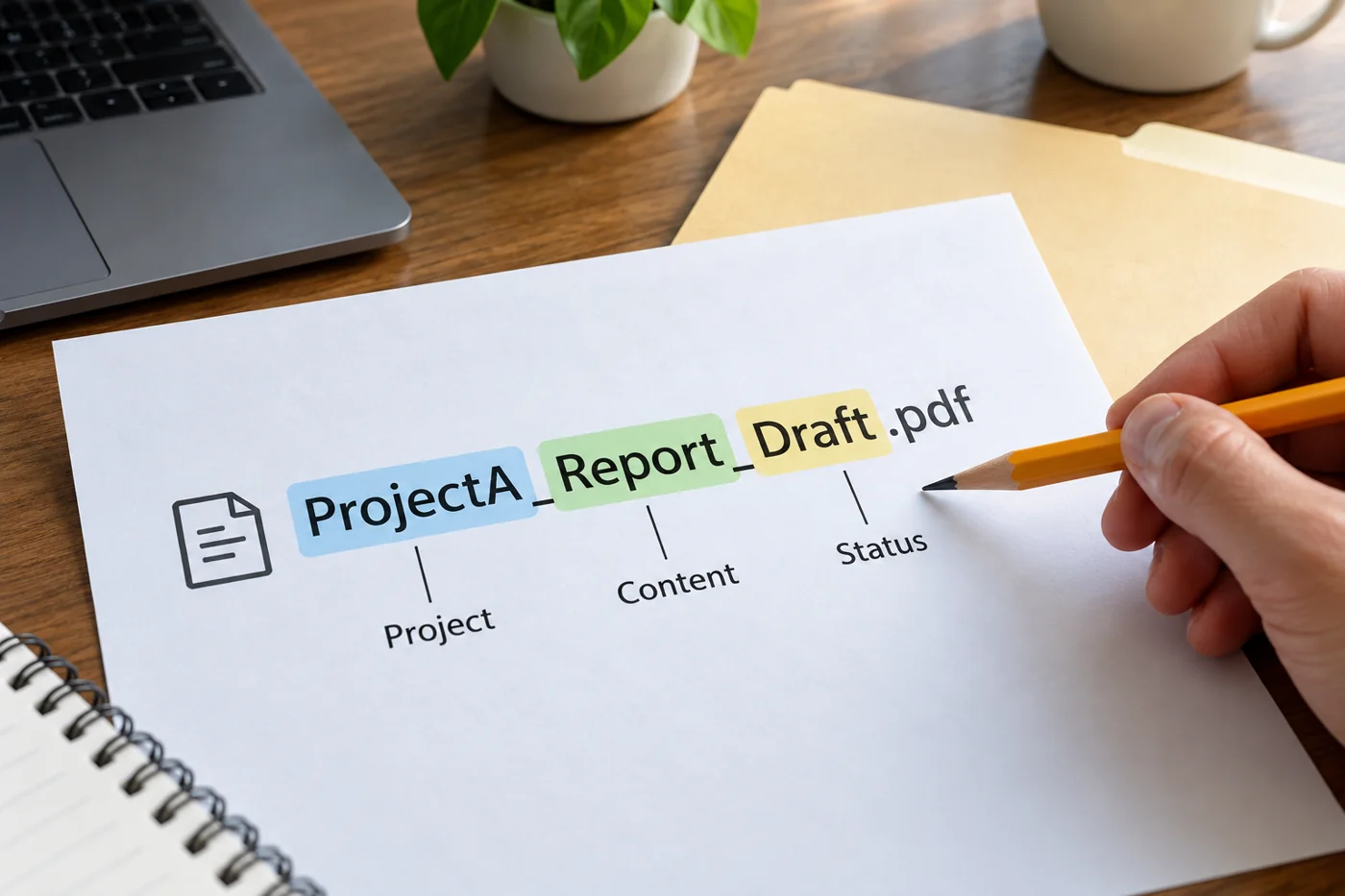
Give it a recognisable name
Use the naming convention established for the destination. A project reference, document type and understandable date are often more helpful than the scanner's name. Establish whether that date describes the document, its arrival or the scan itself. Those meanings should not change by accident.
Avoid unnecessary sensitive information in the file name. Names can appear outside the document itself, including in search results and links. The name should support identification rather than reproduce the entire contents.
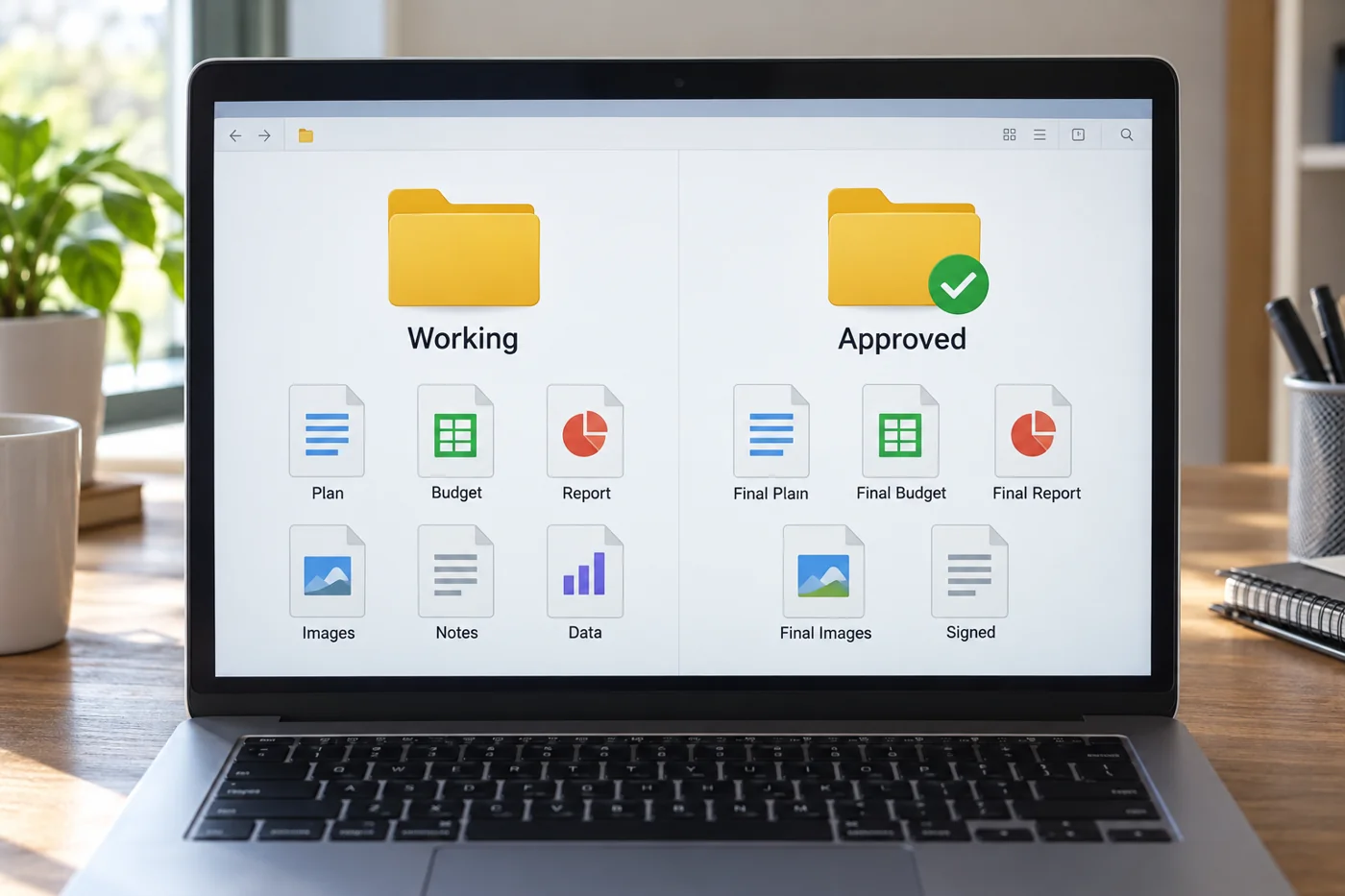
Connect it to the right case
Save the file in the intended working area and open it again there. Successful capture does not automatically mean the right file has reached the right place. When processing several similar documents, briefly compare each one with its original case reference.
If text recognition is used, check important search terms and figures against the visible original where necessary. Recognized text can contain errors and does not replace a content check. Record unclear passages rather than guessing missing details.
Handle the paper afterwards according to applicable internal arrangements. Having a scan does not automatically answer whether the original may be destroyed. Resolve that question separately with the responsible team, and keep uncertain cases traceable to their documents. This avoids treating a convenient filing step as a decision about records that it was never intended to make.