Start with real searches
Collect frequently needed files and ask several people where they would look. Widely different answers reveal a missing shared classification. Decide the top level first, perhaps projects or ongoing work areas. Do not mix people, years and file formats there without a clear rule.
A file can have several properties but should have one authoritative location. Maintaining the same document in three folders creates a version problem. References may help where the system supports them and access is appropriate. Check the actual feature before adopting it as a fixed practice.
Limit depth
Every additional level should make a meaningful choice easier. A folder always containing only one further folder often adds a click without value. One enormous undifferentiated store can also be difficult. Test the structure against collected search cases rather than an abstract ideal number of levels.
Use terms the team recognises. Explain internal abbreviations when newcomers need them. Avoid permanent catch-all locations such as “miscellaneous”. Many files ending there indicate that classification is not yet clear enough.
Account for working and completed material
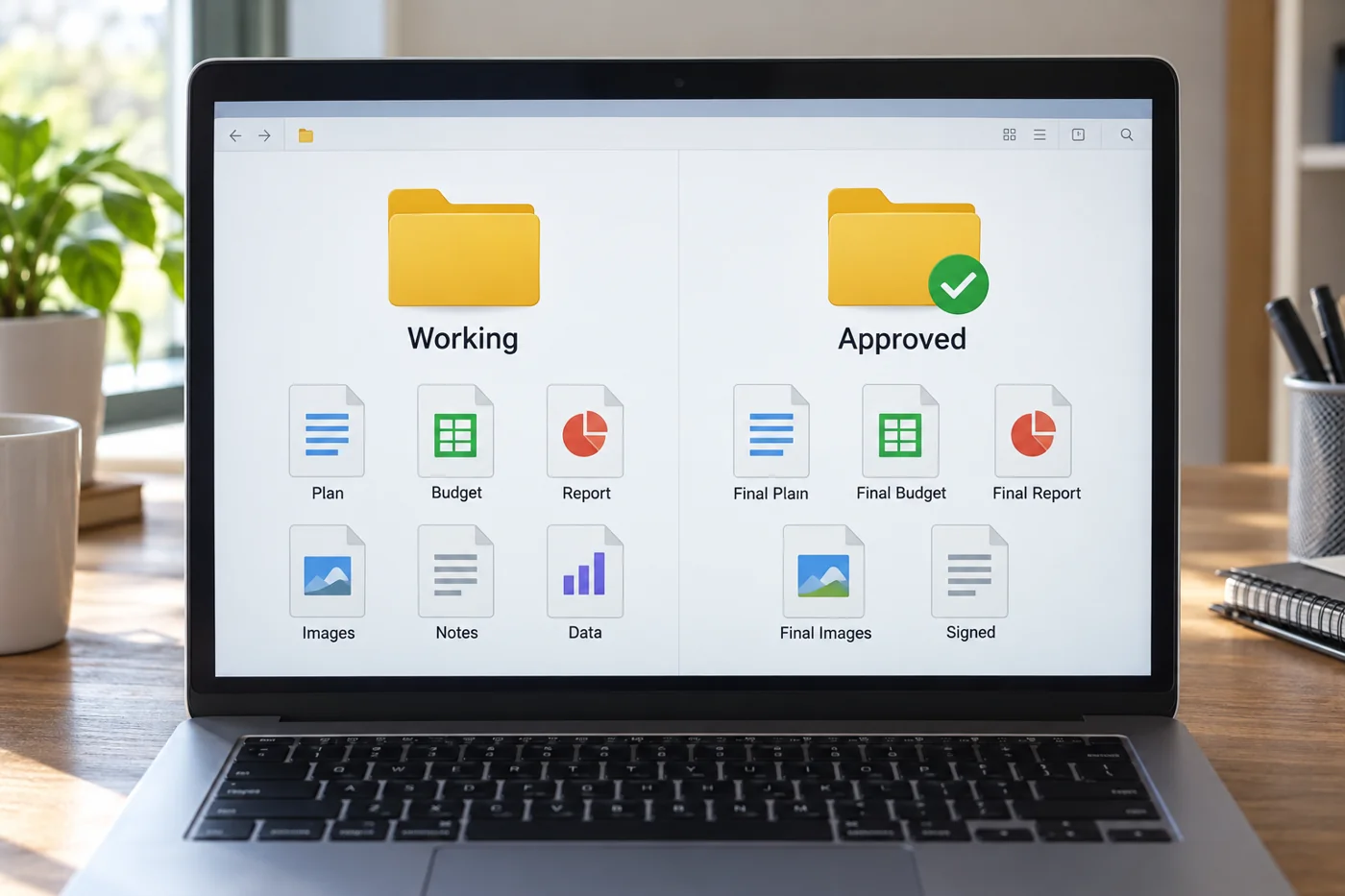
Agree how active work differs from completed cases. An archive area may help if it does not become an unchecked dumping ground. Define who confirms completion and which material may still be edited afterwards.
Preserve required retention and access rules independently of visual order. A new folder structure does not authorise deletion or blanket permission changes. Resolve those decisions with the responsible people.
Trial a small area
Move one manageable work area first. Check that links, references and current tasks still function. Tell affected people which location becomes authoritative. Running old and new structures together without a boundary doubles uncertainty.
Write a brief filing rule with two or three examples. If every new file requires extensive debate, the structure is too complicated or its purpose unclear. Adjust it using actual cases and name someone to coordinate shared changes.
Test the structure with real material
Before changing the storage area, select a few typical files: an incoming request, a draft, an approved version, a supporting spreadsheet and an older reference. Ask two contributors independently where each belongs. Different answers are useful evidence. Often the problem is not the number of folders but an unclear boundary between two areas.
A folder called “General” deserves particular attention. If it holds templates, active tasks and completed outputs, its name conceals several purposes. Split it only where the distinction creates an understandable working route. Creating a subfolder for every possible characteristic can be as confusing as keeping everything in one collection.
Decide whether projects, cases or periods form the top level. A project area may suit connected project work, while recurring cases may benefit from another arrangement. The structure should follow how people actually look for records. Someone may remember the case without remembering the month when a colleague saved the file.
Limit the transition
Start with a new or manageable working area. Avoid reorganising every historical collection at the same time. Establish when new files start following the new rule and how older records will be referenced. This allows ordinary work to continue while the team gains experience with the arrangement.
After several real cases, review which areas stay empty and where unsorted files accumulate again. Adjust the structure using those observations. Storage becomes understandable when its boundaries match the work, not because every folder contains an equal number of subdivisions. Keep a brief explanation of major changes so that returning colleagues can find material that has moved instead of recreating the old arrangement beside the new one.