Give every field a purpose
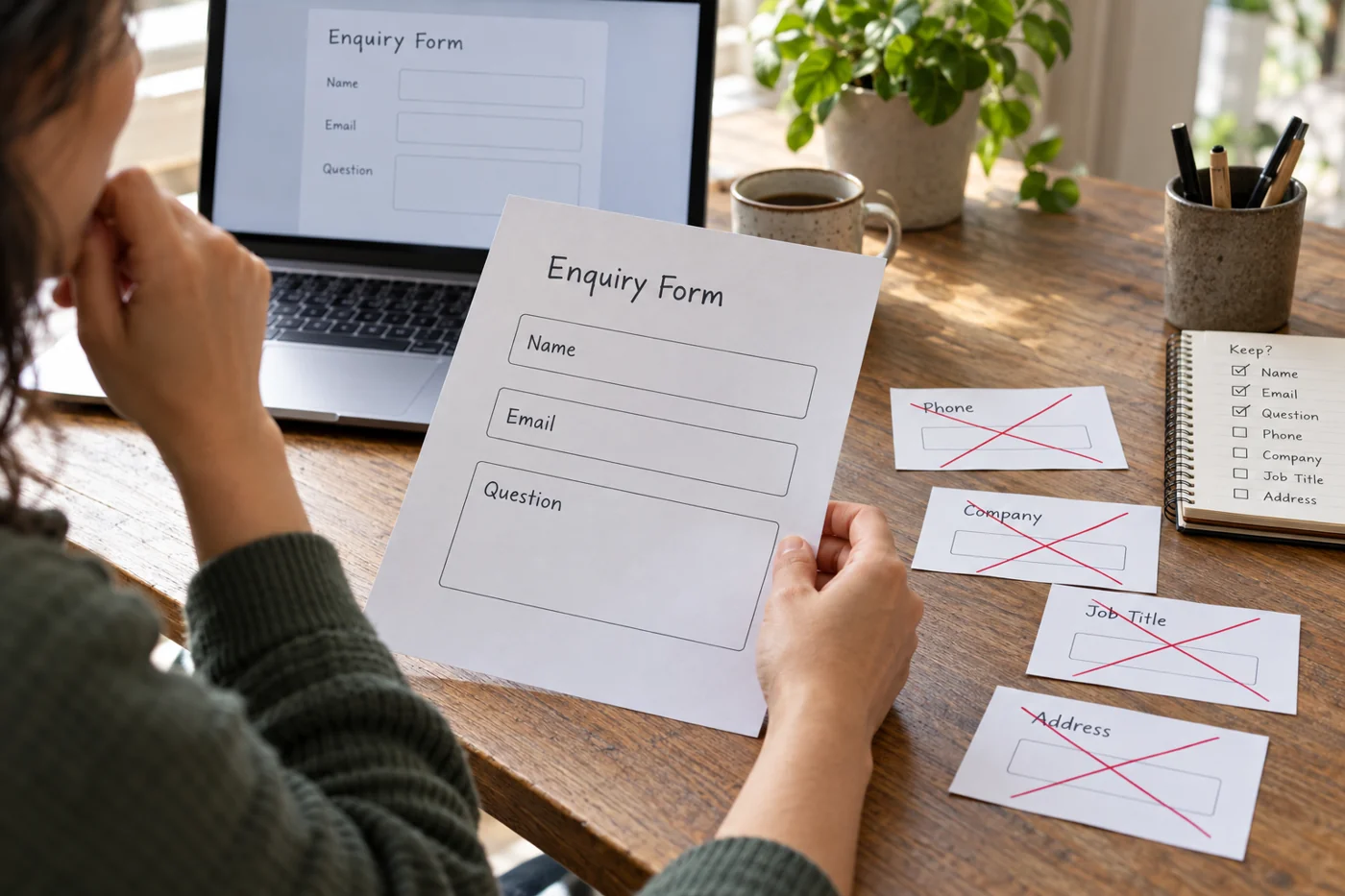
Write down who uses each proposed answer and what they do with it. An email address enables a reply. A short description helps assign the inquiry. A full postal address may only matter at a later stage. The relevant test is your actual workflow, not the length of a form on somebody else’s website.
Separate necessary information from useful additions. If a phone number merely offers an alternative way to respond, make clear whether it is optional. A mandatory field with no apparent connection to the task often attracts invented entries, which do not improve handling.
Make the question understandable
“What would you like to achieve?” creates a different starting point from “Project description”. Where useful, add a brief example such as revising an existing website or getting help with a particular document. Avoid internal department names that an outsider has to decipher.
An open text box still needs a purpose. Ask for the issue and the desired next step. A long technical checklist inside placeholder text disappears while somebody types and is difficult to read on a phone. Important guidance belongs in visible text beside the field.
Distinguish different kinds of inquiry
A question about an existing order and a new project inquiry do not need identical details. Offer a choice only when it genuinely changes the handling. An existing order might benefit from a reference; that field would be irrelevant to a new inquiry.
Some form services support branching. Microsoft Forms, for example, can show later questions depending on an answer. The implementation belongs to the particular tool. When using branches, test every complete route, including changing an earlier answer and reaching the end of the form.
Test two actual tasks
Write a simple general question and a more detailed inquiry as test cases. Complete the form on a phone, then inspect the information actually received. Are line breaks preserved? Is it clear how to reply? Are fields that do not apply represented sensibly?
Remove fields whose information was not needed in either case unless another specifically described workflow requires them. Gather remaining details in an appropriate reply instead. The form starts a conversation; it is not a complete inventory of every possible client situation.