Put time and access first
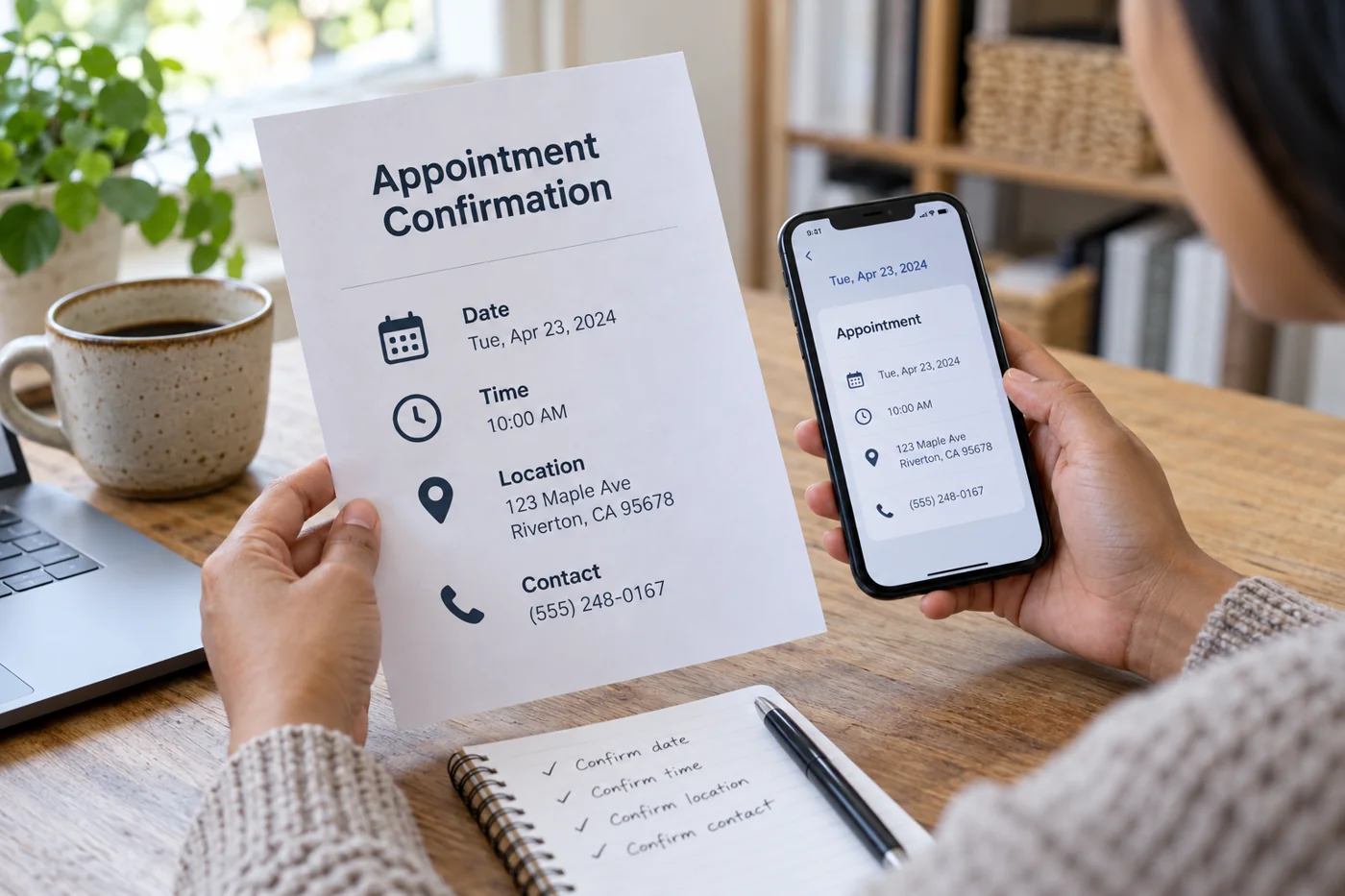
Make the date, time and expected duration easy to identify. For conversations across locations, include the time zone. An automatically generated calendar invitation may convert times; an ordinary line of text does not. Check both representations if you send both.
An in-person appointment needs an address and any specific arrival instruction. For an online conversation, provide the actual access route. A link to the provider’s general homepage is not a substitute for the appropriate meeting link. Test it from a view that does not use your own signed-in account.
Limit preparation to what is needed
Summarize the purpose in one sentence. “Discussion of homepage navigation” is more informative than an unexplained internal project title. If documents are needed, name the particular version and the intended delivery route.
Request only preparation that genuinely needs to happen beforehand. An extensive task list in the confirmation can accidentally make an agreed short conversation resemble a new assignment. Distinguish optional background information from prerequisites for the discussion.
Check changes and actual delivery
Explain how somebody can report a mistake or reschedule. This might be a working change link or a reply address. Do not rely on an automatically inserted link whose destination you have never tested yourself.
Book a test appointment and read the received message on a phone. Check the sender name, subject, line breaks and links. If the message updates after rescheduling, the new time must be unambiguous. Also investigate what happens to an old calendar invitation.
A suitable internal template clearly marks variable fields. No placeholders such as “insert time” should remain before sending. The finished confirmation becomes useful when somebody without access to your internal planning can understand the next step from the message alone.