Identify the reviewed version
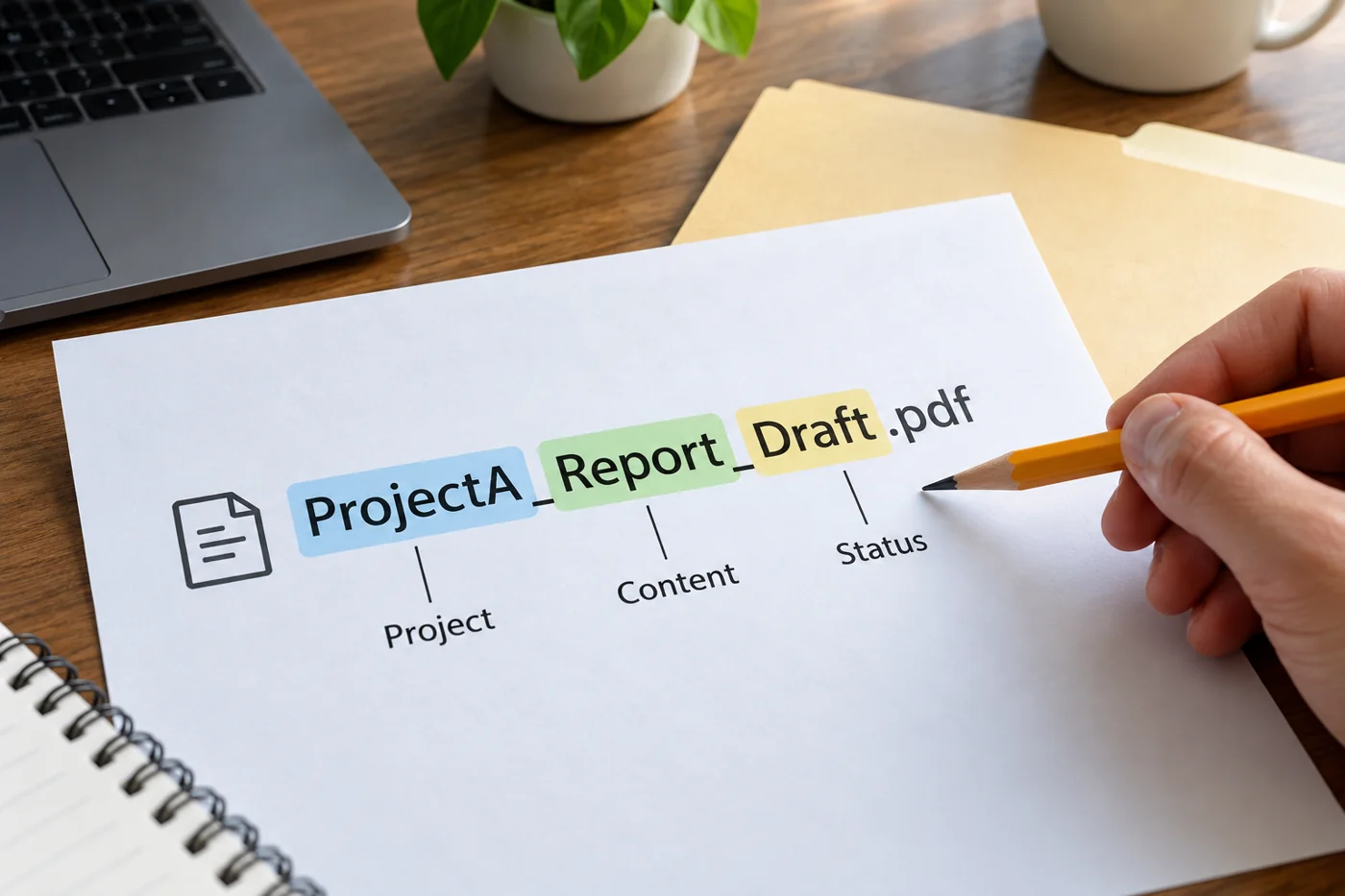
State the file name or agreed version when exchanging feedback. If several people are reviewing, establish whether they comment on the same version or whether separate responses will be combined. Explicitly identify any replacement PDF issued during the review.
Define whether the review covers content, figures, presentation or all three. A person asked only to check captions may leave other issues untouched without failing their assignment. The review scope belongs in the request, not merely in the later assessment of what happened.
Identify the passage and the change
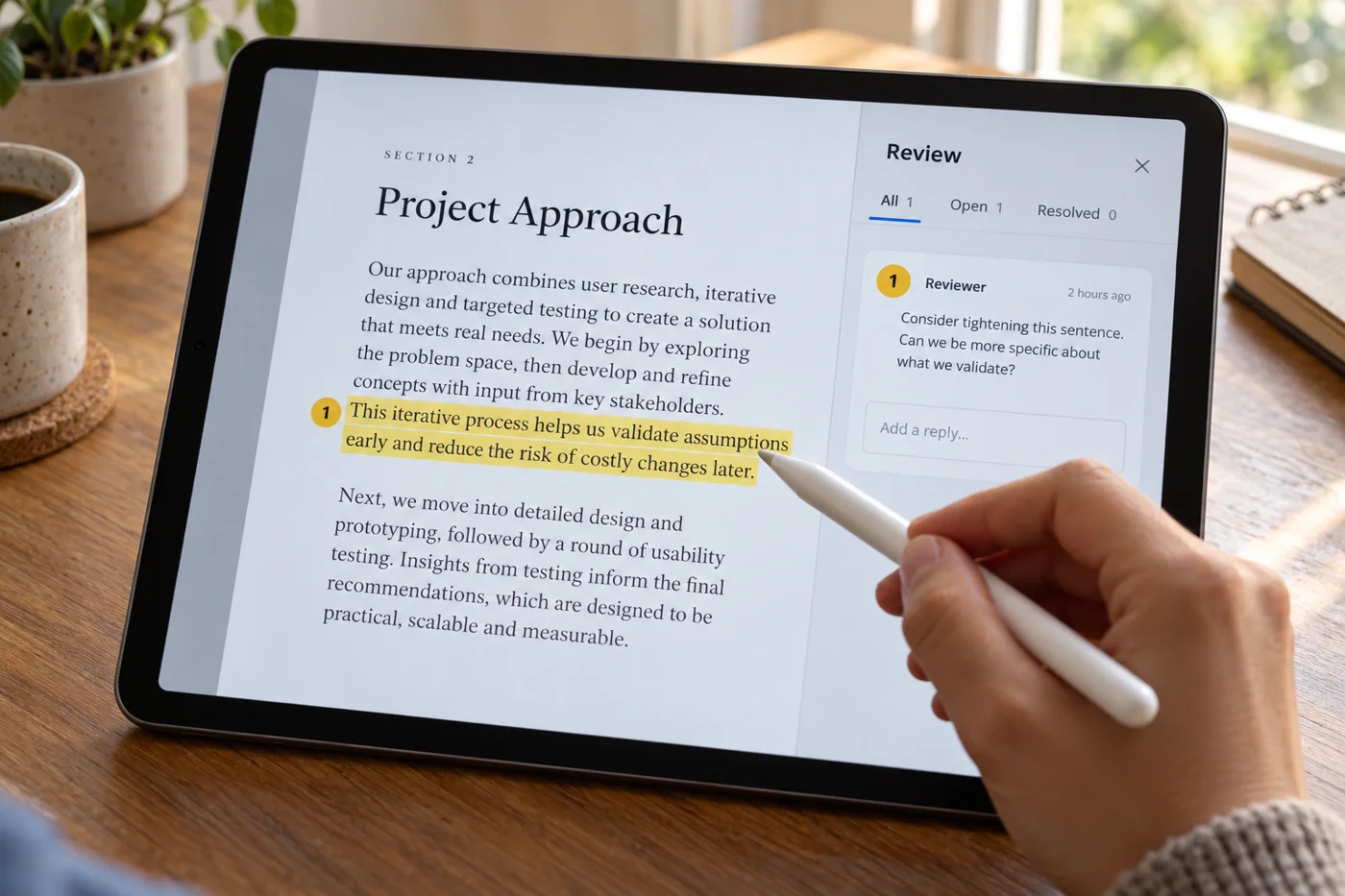
Where available, place comments beside the relevant content using suitable annotation features. Include a short text reference, such as the heading or opening words. That makes the feedback understandable even if pages move later.
Distinguish an error from a question or suggestion. “Check this figure against the approved table” requires different work from “Replace this figure with 240.” For a specific replacement, mention its basis if that is not already clear to the recipient.
Resolve feedback together
Avoid contradictory instructions spread across several channels. Decide who resolves open questions and combines feedback for revision. When two reviewers request different wording, the editor should not have to make an unspoken decision between them.
After revision, inspect the changed passages and related content. A revised heading may also appear elsewhere; a corrected figure may affect a total. Marking a comment as resolved is not a substitute for checking the actual result.
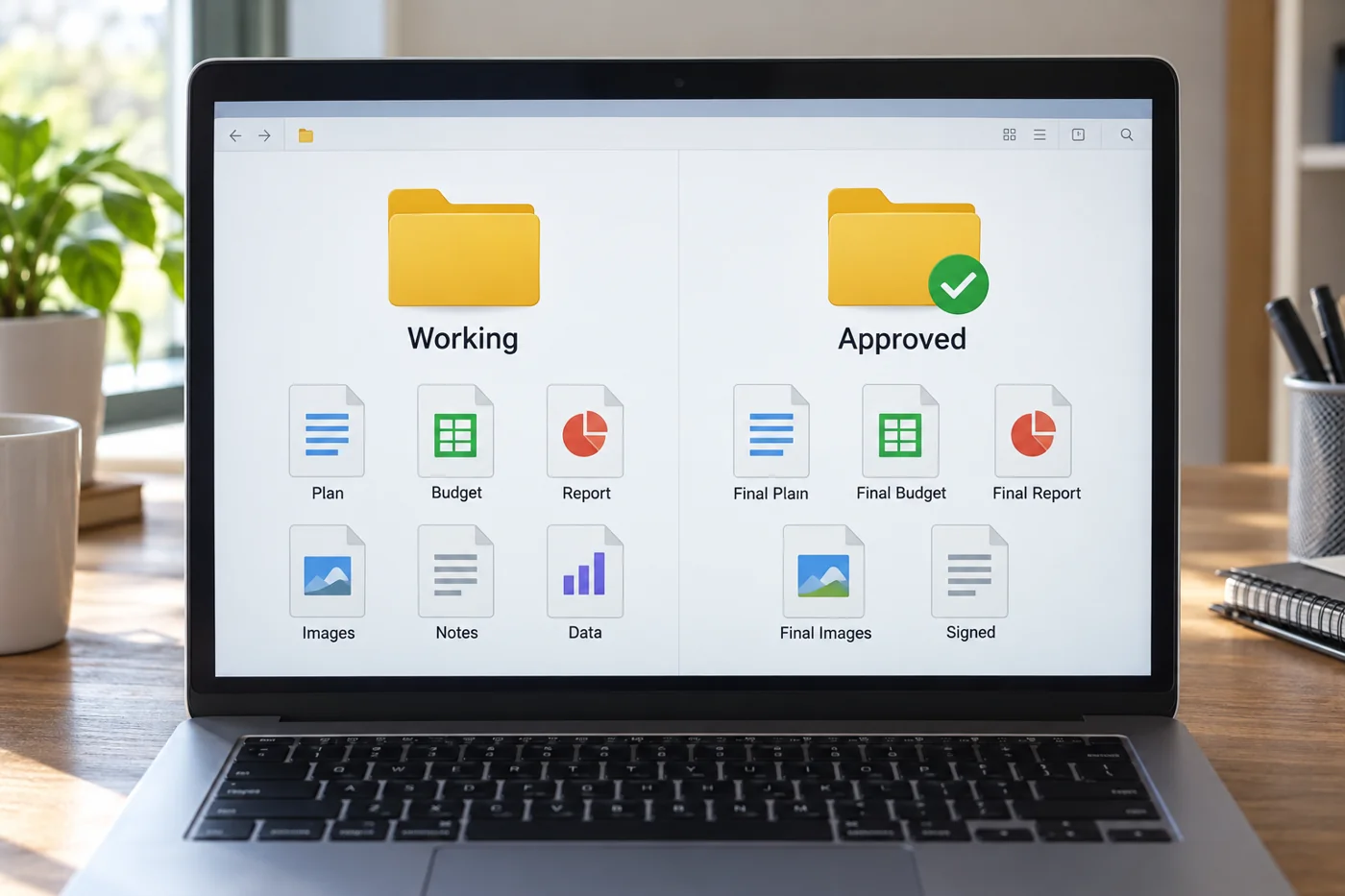
Finally, record which version is approved and whether any limitations remain. An empty comments panel does not establish agreement. A short, explicit response prevents a partially reviewed file from being passed on accidentally. For a narrow correction, identify the exact scope of the final check so that nobody assumes the whole document has received a fresh review.
Give feedback without annotation tools
If the available tool has no suitable commenting feature, use a short separate list with the page reference, recognisable wording and requested change. Keep each entry to one connected issue. The editor can then check whether each response has been completed.
For visual problems, describe the observed result: a caption is cut off or a table cannot be read in the intended view. “Looks wrong” provides little help. State the conditions under which the problem appeared without immediately assuming a general technical cause.
Send the list with an unambiguous reference to the reviewed PDF. If a newer version has appeared meanwhile, inspect the relevant passages again. Otherwise a valid instruction applied to the wrong starting point may create unnecessary or contradictory edits. Where a reviewer cannot reproduce a reported problem, compare the actual versions and viewing conditions before deciding that the original observation was mistaken.