Relate the title to the visible heading
Identify the page's main question or activity. This can produce a concrete title such as “Documents for the first consultation” instead of simply “Information”. A brand name can supplement it without displacing the actual subject. Review similar pages together so their differences remain apparent.
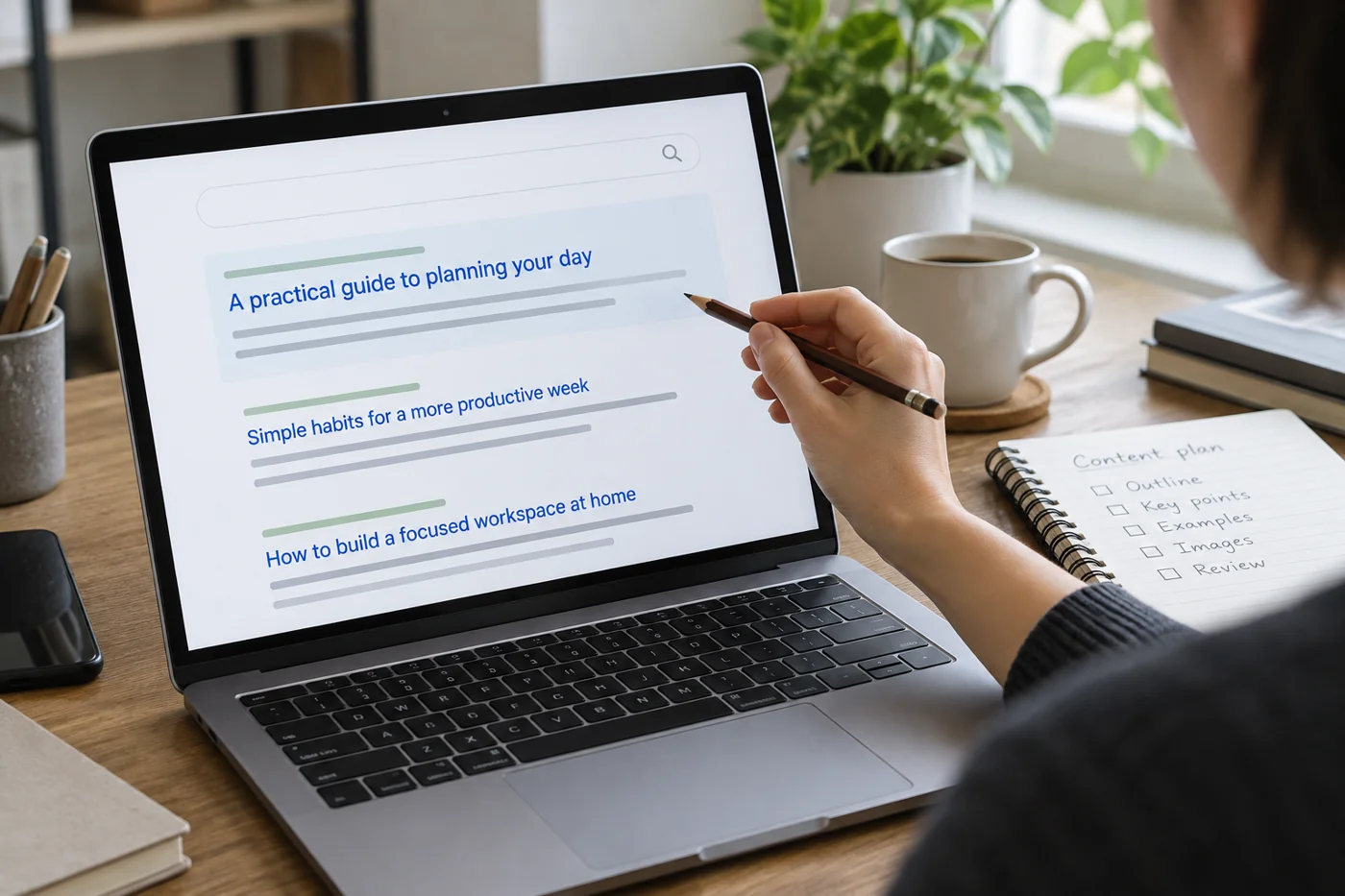
The browser title and visible main heading need not be identical, but should explain the same page. Contradictory terms make orientation harder. Google uses several signals for search-result titles, including page titles and visible headings. Editing one therefore does not guarantee identical wording in search results.
Describe content that actually exists
Summarize the specific information and the situation for which it is relevant. Avoid merely repeating the title or listing related search words. If the page explains preparation, process and contact, its description can state that connection directly.
A meta description is a suggestion for possible search presentation. Google may instead use suitable on-page content. Do not judge quality solely by whether your sentence immediately appears unchanged. It should above all be precise, distinct and supported by the page.
Remove promises the page cannot support
Read the draft without the rest of the page and mark every statement creating an expectation. “Book an appointment immediately”, for example, does not fit a page offering only an email inquiry. Numbers and availability claims also need support in the actual content. Replace them with a precise description of what the page allows someone to do.
Then ask another person to choose between two related pages using their titles. Choosing the wrong one may reveal an unclear distinction. This small exercise does not require claims about search rankings; it tests whether the content has been described understandably. Keep any improved wording aligned with the page itself.
Compare two related pages
Place a general service overview beside a specific preparation page, for example. The first explains scope; the second identifies required documents. If their descriptions sound identical, the deciding distinction is probably missing. Change the stated purpose rather than merely swapping adjectives.
For several languages, phrase each version naturally. A word-for-word sequence may read awkwardly in the other language. Also verify that title and description actually belong to that language version rather than being inherited from another page's template.
Inspect the saved output
After saving, check the published or intended output rather than only the editor field. A template may append the brand name again or output an old description. Look for resulting repetition and correct page assignment.
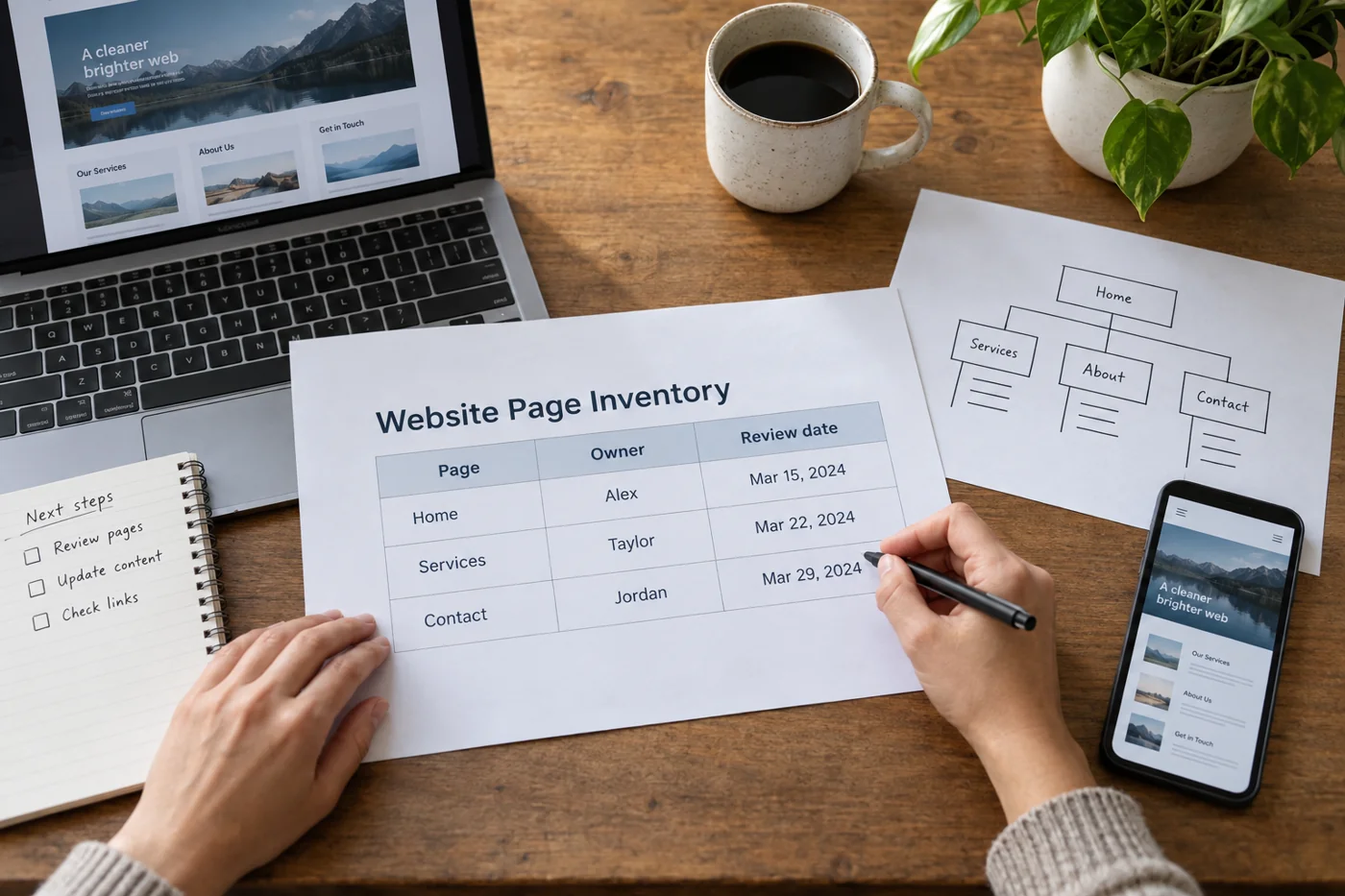
Keep a small overview of important titles and descriptions when several people edit content. It supports comparison rather than mechanical uniformity. Reread metadata after major content changes too. A once-appropriate title can become inaccurate when a page gains a different emphasis.