Select the required material
Identify the documents needed for the discussion or demonstration. Choose the confirmed version and check linked files, images and references. A document can be available locally while an important linked component still needs a connection.
Limit the copy to what is necessary and follow the rules for the device concerned. Personal storage or somebody else's equipment is not automatically acceptable because preparation is urgent. Resolve the permitted route before copying confidential material.
Test actual availability
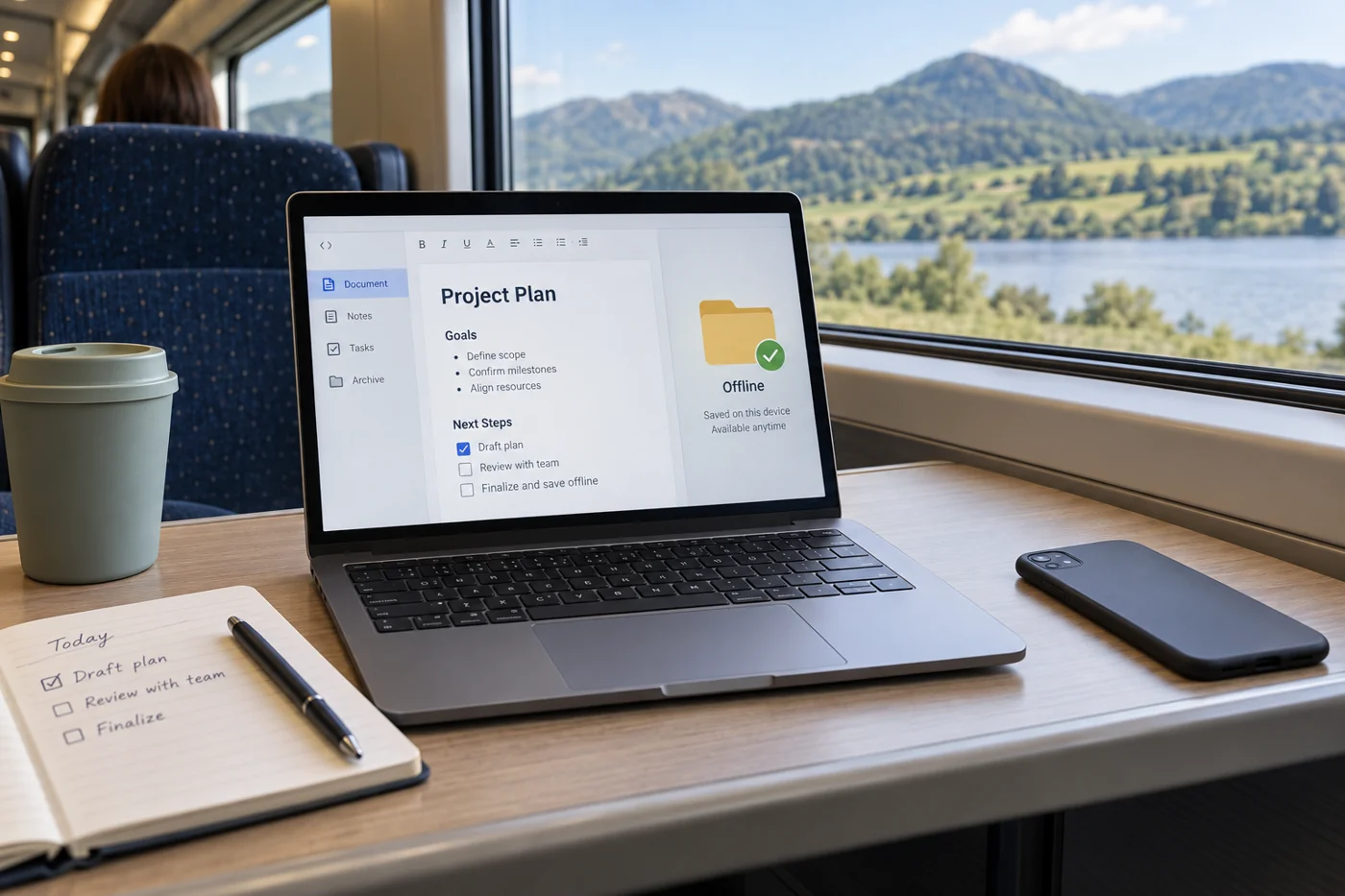
Use the offline feature appropriate to your service or an authorized local copy. The setup depends on the application, file type and device. Google Drive, for example, distinguishes between routes for ordinary files and documents created in Docs, Sheets or Slides. Check the relevant manufacturer's instructions for your situation.
Open the required files without a network connection on the actual device beforehand. Inspect more than the first page: check the material you will show or edit. Also confirm that the necessary application is available and that the presentation suits the intended use.
Reconcile changes afterwards
Record which version you took. If you make changes offline, establish how they will return to the shared working version. Avoid overwriting more recent team work with a local copy that has not been compared.
Where reconciliation is uncertain, record decisions separately during the appointment. This preserves what was agreed without immediately creating competing versions of the document.
Remove unnecessary local copies according to the agreed arrangements. Preparation is only fully resolved when the shared version is correct again and everyone knows which copy to use. For recurring appointments, a small checklist covering the file version, device and successful offline test is useful. Repeat the test when the device or delivery method changes rather than assuming that an earlier successful appointment proves the new setup will work.
Prepare the demonstration beyond its links
A presentation file may be local while a website used during the talk still requires a connection. Test the sequence itself: which materials will be opened, and which are reachable only through an external reference? Establish whether an authorized alternative view is sufficient for the appointment.
Record necessary limitations. A prepared view may show a particular data state rather than live updates. Explain that during the appointment where it affects interpretation. Offline preparation should provide availability without suggesting that current live access exists.
Finally, allow time for opening and switching between materials. The test should resemble the intended sequence. Being able to open one file in isolation is helpful; completing all required steps without a connection is the actual measure. If a part still depends on connectivity, identify it beforehand and agree what the appointment can achieve when that connection is unavailable.