Describe the work before configuring the address
Imagine a small organization with a general contact address and a personal address. If one person handles both and everything belongs in one place, adding an address to the existing account may fit. If two people need to track inquiries together, choosing another address name does not answer the more important question.
For each proposed address, write down who reads incoming mail, who replies and who covers absence. Add whether the covering person needs previous conversations. These requirements help prevent a convenient initial forwarding arrangement from becoming scattered replies and uncertain responsibility later. They also give the administrator something more precise to configure than “another email”.
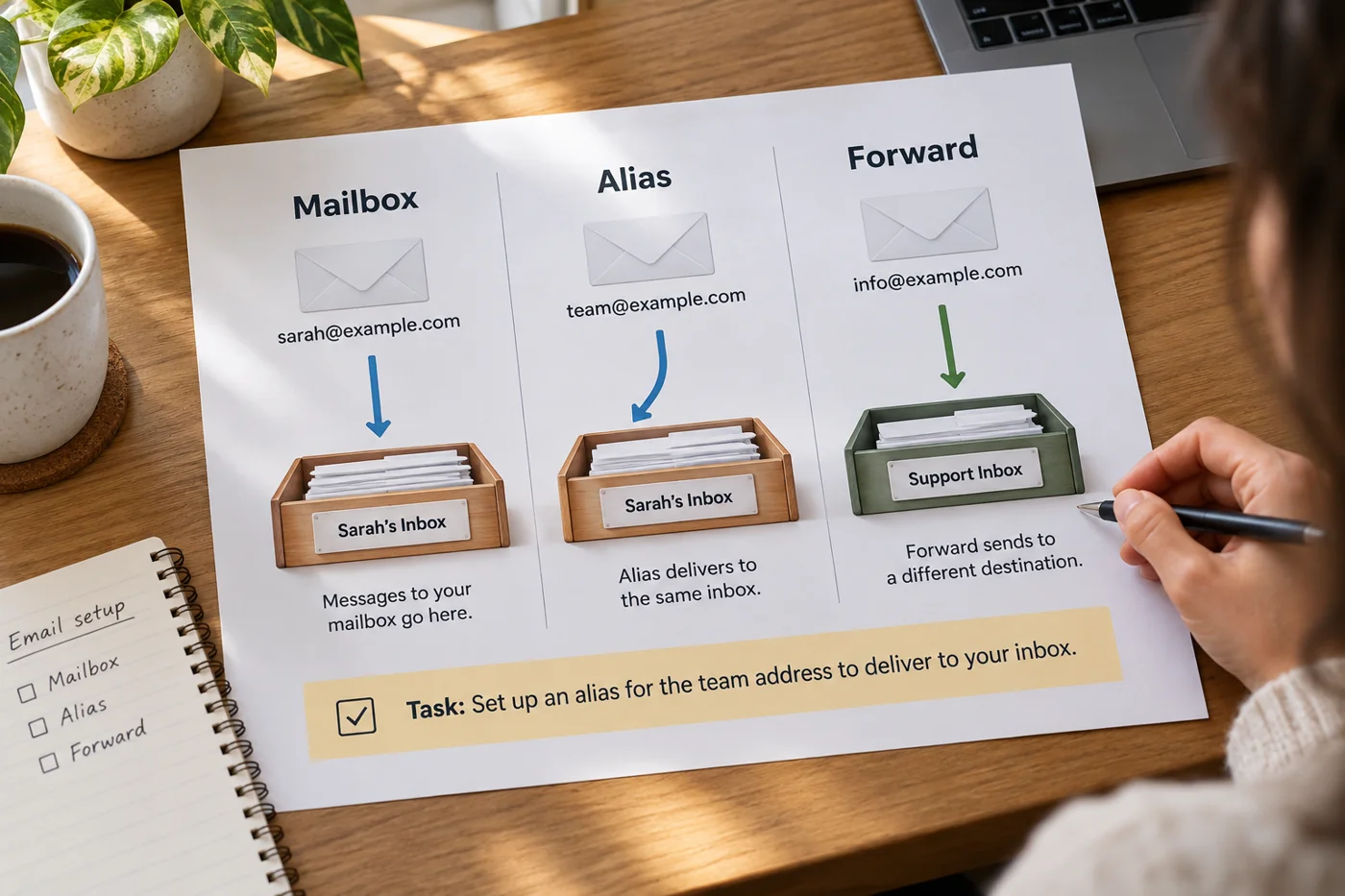
Distinguish the mailbox from its address
A mailbox is where messages are managed. An alias is another address associated with an existing destination; its exact behavior depends on the service. Google Workspace, for example, describes a user alias as an additional address delivering to the primary account, rather than a separate Google Account.
Check sending behavior with the actual provider too. Receiving messages at an address does not establish that every application automatically replies using that address. Have the intended configuration explained and test it. Avoid assumptions about cost or quantity until the current plan and feature set have been checked for your particular account.
Treat forwarding as a route
Forwarding sends incoming mail to another destination. That alone does not establish whether a copy remains at the starting point or how replies appear. Microsoft's forwarding documentation also explains that configuring forwarding concerns new messages. Do not assume that activating it transfers the previous conversation history.
Draw the proposed route from starting address to final destination. If there are several intermediate stops, check whether each is needed. Record who maintains changes to the destination. Forwarding to one person's account needs a deliberate handover when someone else takes over the work. Otherwise the public address may stay unchanged while its real owner becomes unclear.
Shared handling needs shared working rules
When several people handle one role address, investigate the shared option provided by the service. Microsoft describes shared mailboxes as one way for several authorized people to access the same mailbox. Whether that suits your process depends partly on how replies and the state of work become visible.
Whatever the tool, agree how a claimed inquiry is identified. Two colleagues should not send conflicting commitments simply because both saw the message arrive. Test a small sequence: receipt, claiming the work, replying and finding the conversation later. This evaluates cooperation rather than merely proving that the address accepts mail.
Use two test messages
Send a labeled external test to the new address. Check its intended destination and reply from there. At the original sender, inspect which address actually appears on the reply. Repeat in a second application if people regularly use both a phone and a desktop mail program.
Ask the covering colleague to handle a second test. They should work through the intended permissions rather than sharing a personal password. Also check where their reply is subsequently visible. This exercise can reveal that an address works technically but is not yet configured adequately for the people who need to use it.
Record the decision
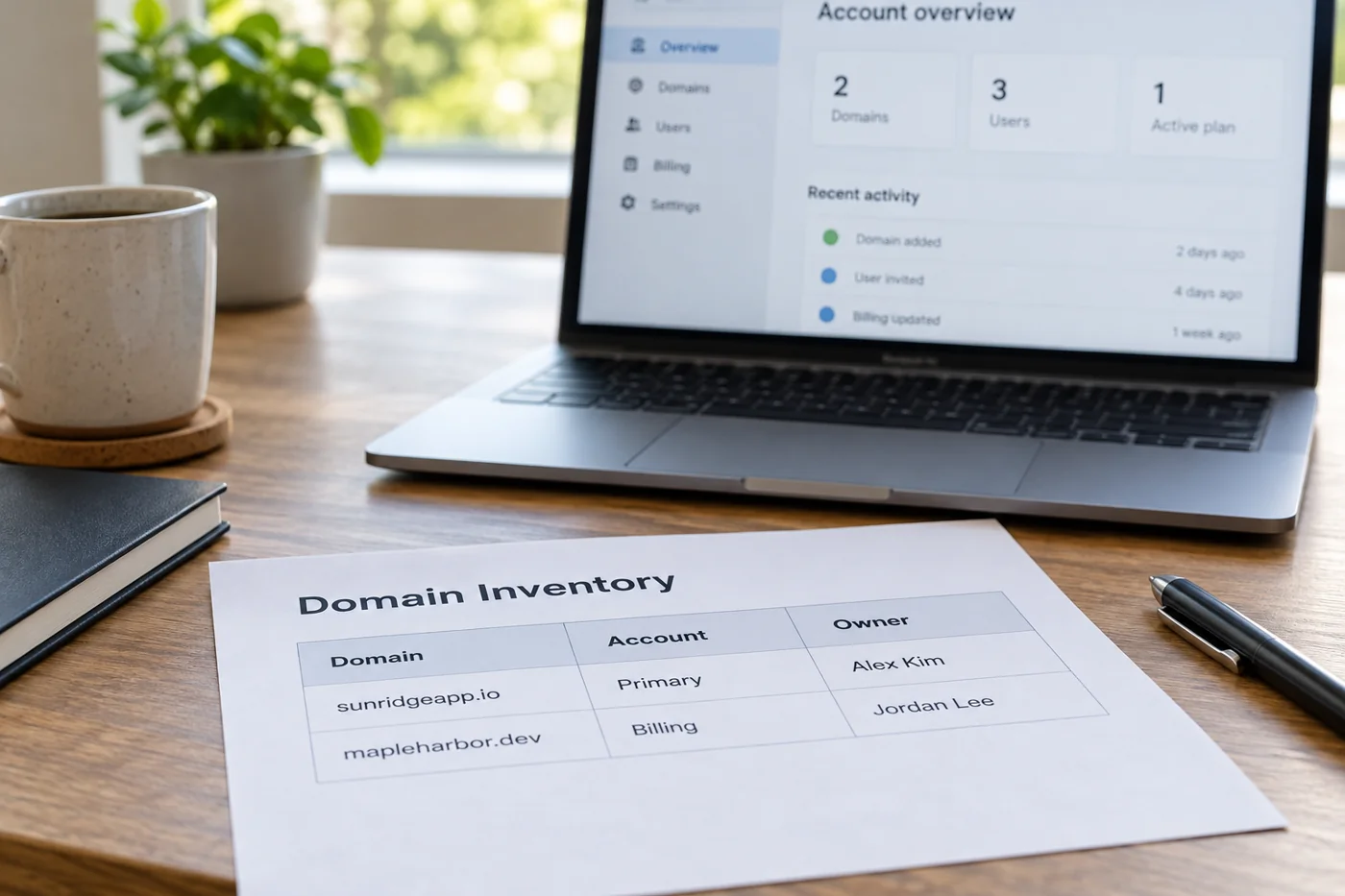
For each address, record its type, destination, responsible person and tested sending routes. This short inventory prevents someone mistaking forwarding for an independent mailbox during later changes. State outstanding limitations explicitly, such as an application that does not yet reply from the required address.
Choose the smallest arrangement that fully supports the work. An additional unmonitored mailbox does not create clear responsibility. Conversely, an alias may be insufficient when several people need a shared visible history. The appropriate configuration follows from handling the messages, rather than from how the address sounds. Revisit it when the team or the workload changes.