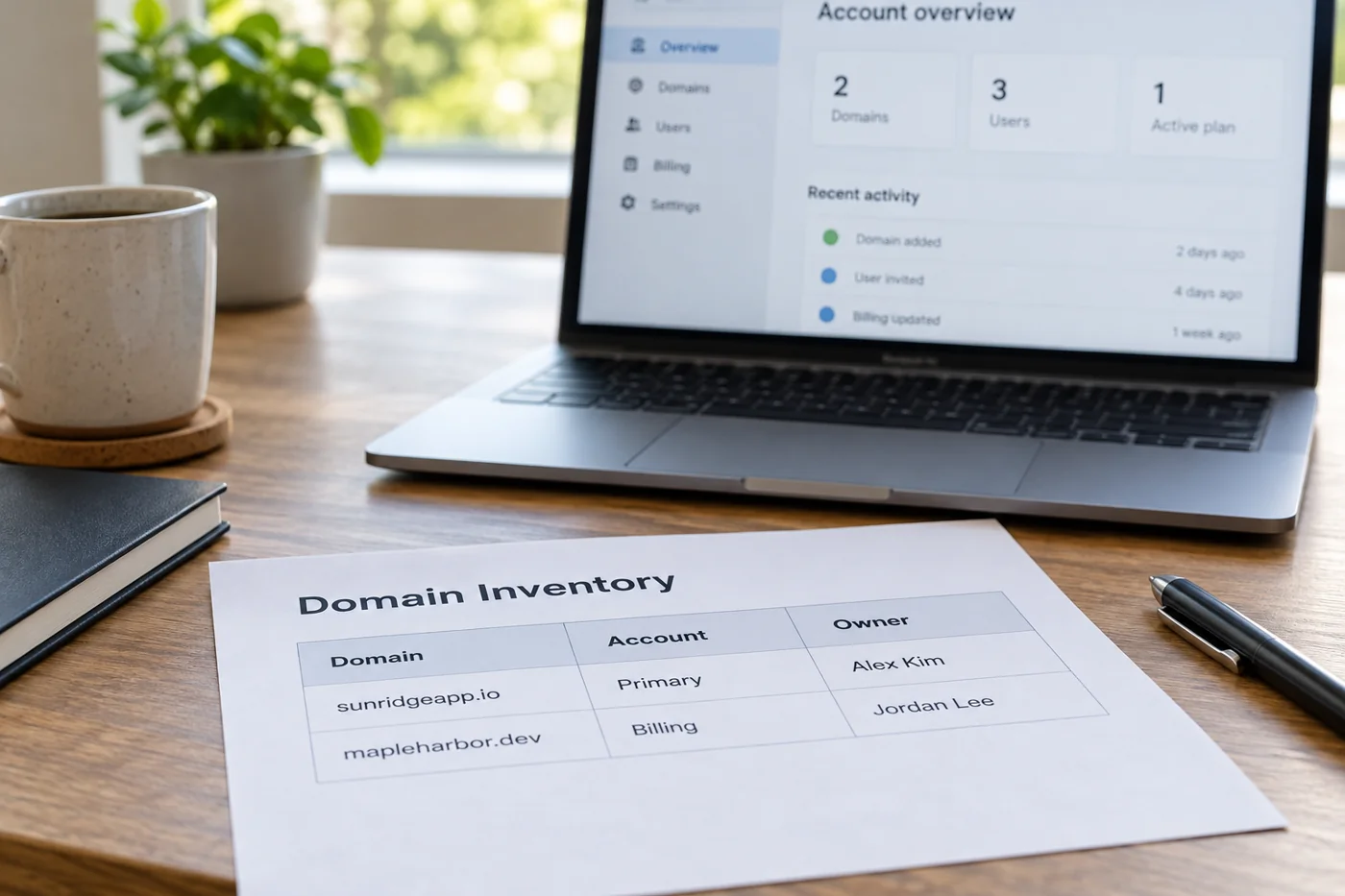
Find the active management account
Establish where the active DNS records are managed. This may be a different account from domain registration or website hosting. Even if an interface contains familiar records, confirm that it controls the current domain. An old zone at a previous provider can look convincing without controlling the active settings.
If uncertain, ask the responsible technical person to confirm where changes belong. Avoid parallel experiments in several accounts. Record the confirmed provider, relevant account and person making the change. Those details also help when another colleague takes over the follow-up checks or needs to ask why a particular setting was altered.
Keep a readable starting state
Record the affected names, types, values and TTLs, including priority where applicable. Use an available export or a carefully checked transcription. A cropped screenshot may omit decisive parts of a long value. Check that the saved information is genuinely complete and readable rather than simply assuming the screenshot captured everything.
Cloudflare describes DNS records as information about a domain, such as addresses or mail servers. TTL concerns the period for which responses are cached. A saved change therefore does not mean an everywhere-simultaneous switch. Avoid promising an arbitrary number of minutes; consider the existing settings and guidance from the providers involved.
Connect every new value with an instruction
Obtain required values from the current instructions for the service being connected. Assign each new record a purpose. Domain verification, a website address and a mail server involve different settings; similar-looking input boxes are not a reason to replace one existing value with another.
In particular, establish whether the interface expects a complete name or only the part before the domain. Providers differ in how their controls work. Ask about unclear notation rather than guessing from another project. Record where the values came from and the date, so someone can later identify the instructions used.
Limit the change
Alter only the records confirmed for this task. New web hosting is not a reason to remove unfamiliar mail or verification entries as a precaution. If an existing value seems to obstruct the work, establish its purpose first. Any additional clean-up can then be planned as a separate change.
Agree a time when the person making the change and the relevant service owners are available. Also define when returning to the recorded starting state should be considered. A reversal can itself appear at different times because of cached responses. The earlier export helps, but does not replace a decision about when to use it.
Check the record and the service separately
After saving, verify that the intended DNS values are present. Then test the actual service. A website needs to open through its intended addresses; email needs appropriate sending and receiving checks. A record that looks correct does not establish that the destination system has finished being configured.
Use known test cases and record the time and result. If two checks return different answers, preserve both observations. Do not keep changing records at random because one test still sees the previous state. First distinguish an incorrect setting, a cached response and a destination service that is not functioning.
Leave a traceable completion record
Keep the original values, new values, reason and test result together. State which services were explicitly checked. The website may have passed while a separate email test is still outstanding. That distinction belongs in the handover rather than being hidden behind a general statement that the domain change is complete.
Do not discard temporary notes until the maintained documentation has been updated. During the next provider change, nobody should need to guess why a record exists. A short purpose statement for each alteration prevents avoidable questions without turning the working record into an entire DNS textbook.