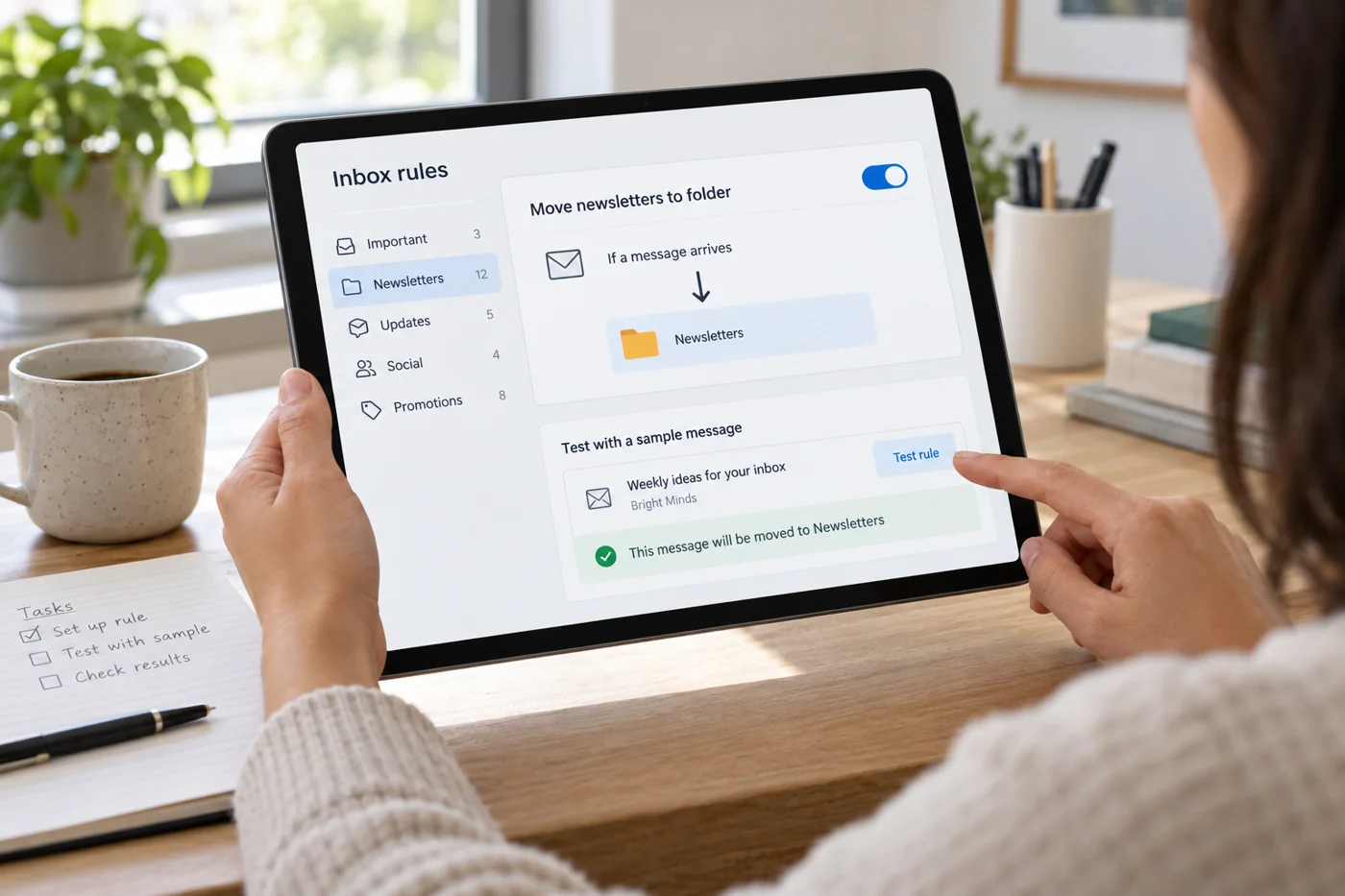
Begin with a narrow condition
Choose a recognisable group, such as recurring status messages from one system. Examine several real examples before defining the condition. A single subject word may also appear in a personal question. The rule could then treat both alike even though only one kind should be filed automatically.
Describe the intended effect in one sentence: “Move automated weekly reports from this sender into Reports.” If the sentence needs several exceptions to make sense, the condition may be too broad. Applying a visible marker can be a better first experiment than immediately moving or deleting messages. It lets you inspect the match without hiding the evidence.
Make the destination part of the working routine
Decide when and by whom the destination folder will be reviewed. A folder with no checking routine is unsuitable for time-sensitive messages. In a shared mailbox, other people need to understand the rule. Otherwise a covering colleague may search the inbox for messages deliberately routed elsewhere.
Give folders names that explain their purpose. “System reports” is clearer than “Miscellaneous2”. On a phone, check that the folder is accessible and new items are noticeable. A process that works only on a large screen can hide important information when someone is away from their desk.
Account for existing rules
Read the existing rules before adding another. Several conditions can match one message. Microsoft describes an Outlook option that stops processing further rules after a matching rule. Consult the current instructions for your own application to establish its order and available controls rather than assuming all mail programs behave alike.
Record potential overlaps. A rule for a particular sender and another for every message with an attachment may both match the weekly report. Decide deliberately which outcome is intended. Do not rearrange rules at random without retesting the cases already covered by the existing arrangement.
Test matches and non-matches
Use at least one message that should match and one that must remain unaffected. Add a borderline example, such as a personal reply with a similar subject. Check the message's actual destination and status. Saving a rule with a sensible name does not establish which messages its condition really captures.
If a feature can process existing messages retrospectively, treat that as a separate action. Do not start with the entire historical mailbox. Inspect a manageable selection and preserve an understandable route back. Older mail may contain variations absent from the small set of recent examples used to design the rule.
Investigate unexpected outcomes
When an expected message is missing, first search for its distinctive subject or sender across the intended search scope. Establish whether it was moved, marked or caught by another rule. If necessary, temporarily disable the new rule rather than immediately adding more rules to counteract it.
Document the specific failure and adjust the condition deliberately. Adding an exception for every surprising message quickly makes the logic difficult to understand. If the message types cannot be distinguished consistently, manual sorting or a simple marker may be more suitable. Automation is useful only when its effect is dependable and visible to the person doing the work.
Review rules when work changes
A new sender, changed subjects or a different owner can make a previously appropriate rule unsuitable. Include rule review in task handovers. Record why each rule exists and who checks its destination, so the next person can judge its effect rather than inheriting unexplained behavior.
Remove obsolete rules deliberately and then check normal delivery. The useful number follows from your actual message types. A small understandable collection whose results are regularly inspected is easier to maintain than many nested rules nobody can explain. Keep the test examples with the rule notes so a later adjustment can be checked without recreating the investigation.