Start with a distinctive clue
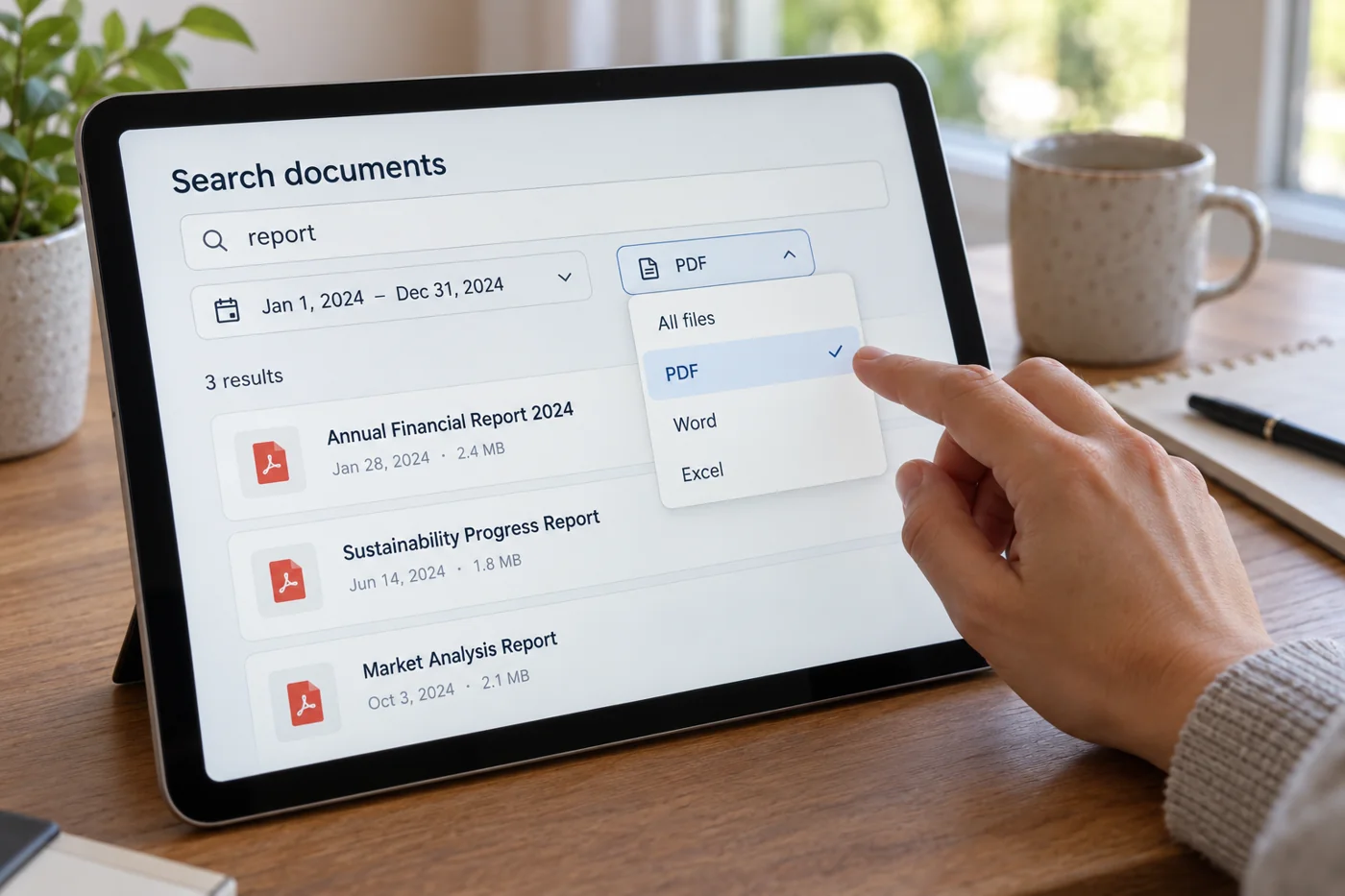
A broad word such as “planning” often returns too much. Try a project code, an unusual location name or a term likely to appear in the document. Use the search features your storage system provides without assuming that every service searches inside file contents.
Treat dates as clues rather than proof. Later editing can make the modification date different from the original creation period. A document used at a March meeting may have been prepared earlier. Widen the date range before concluding that the file is absent.
Reconstruct the route into storage
Consider whether the document was created, received or shared only through a link. A meeting invitation may lead back to the original; an attachment may also have been filed in the appropriate project area. Search the relevant business location before looking across several entire drives.
Ask a participant a specific question when needed. “Where is the approved room plan for the north location?” is more useful than “Do you still have that file?” State its purpose, approximate period and required status. This makes a reliable reference more likely than another unconfirmed copy.
Check the candidate
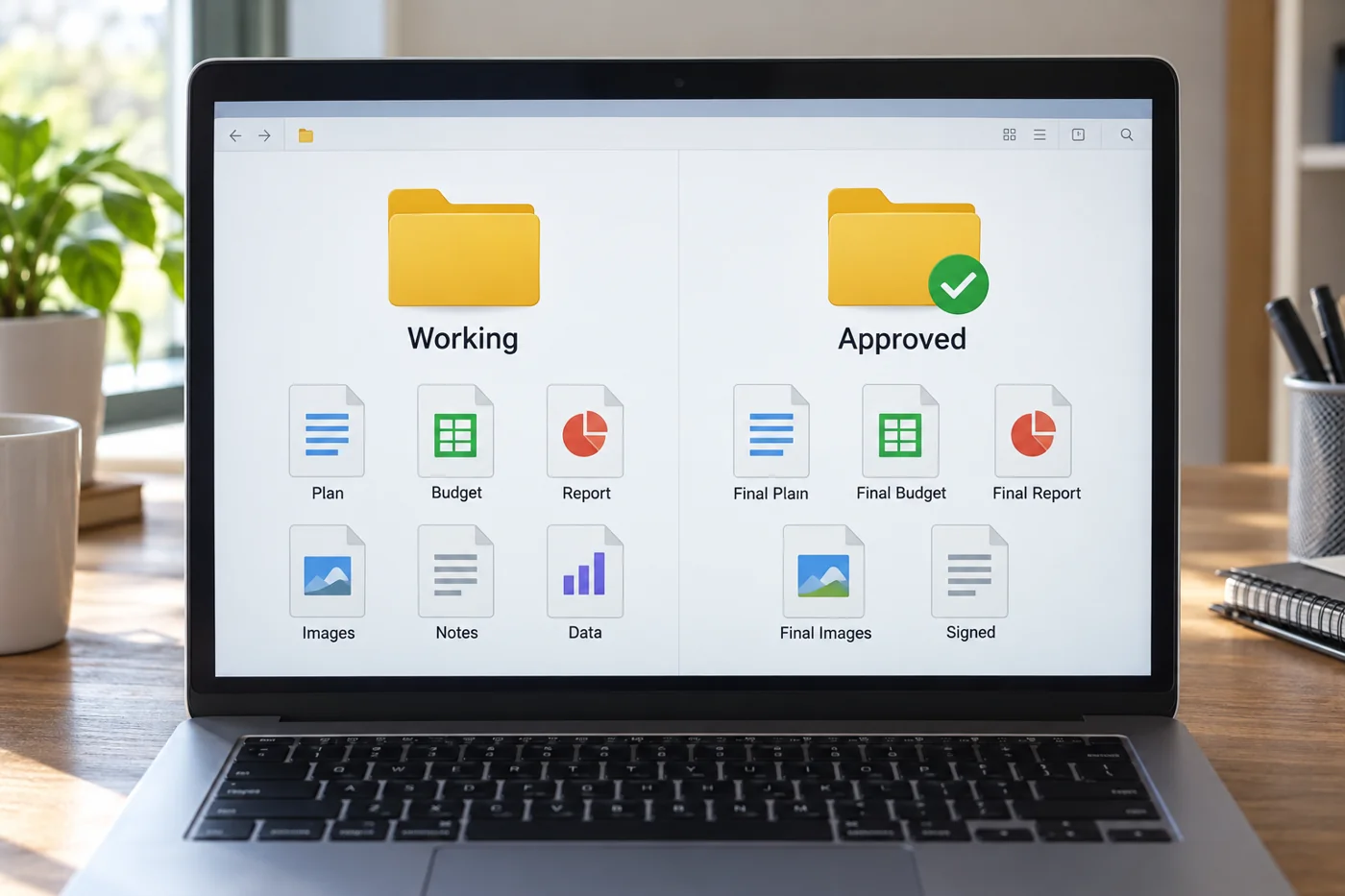
Open the document and compare its content, project and version. A matching title does not establish that it is current or approved. Watch for similar projects and copied templates that still contain old names.
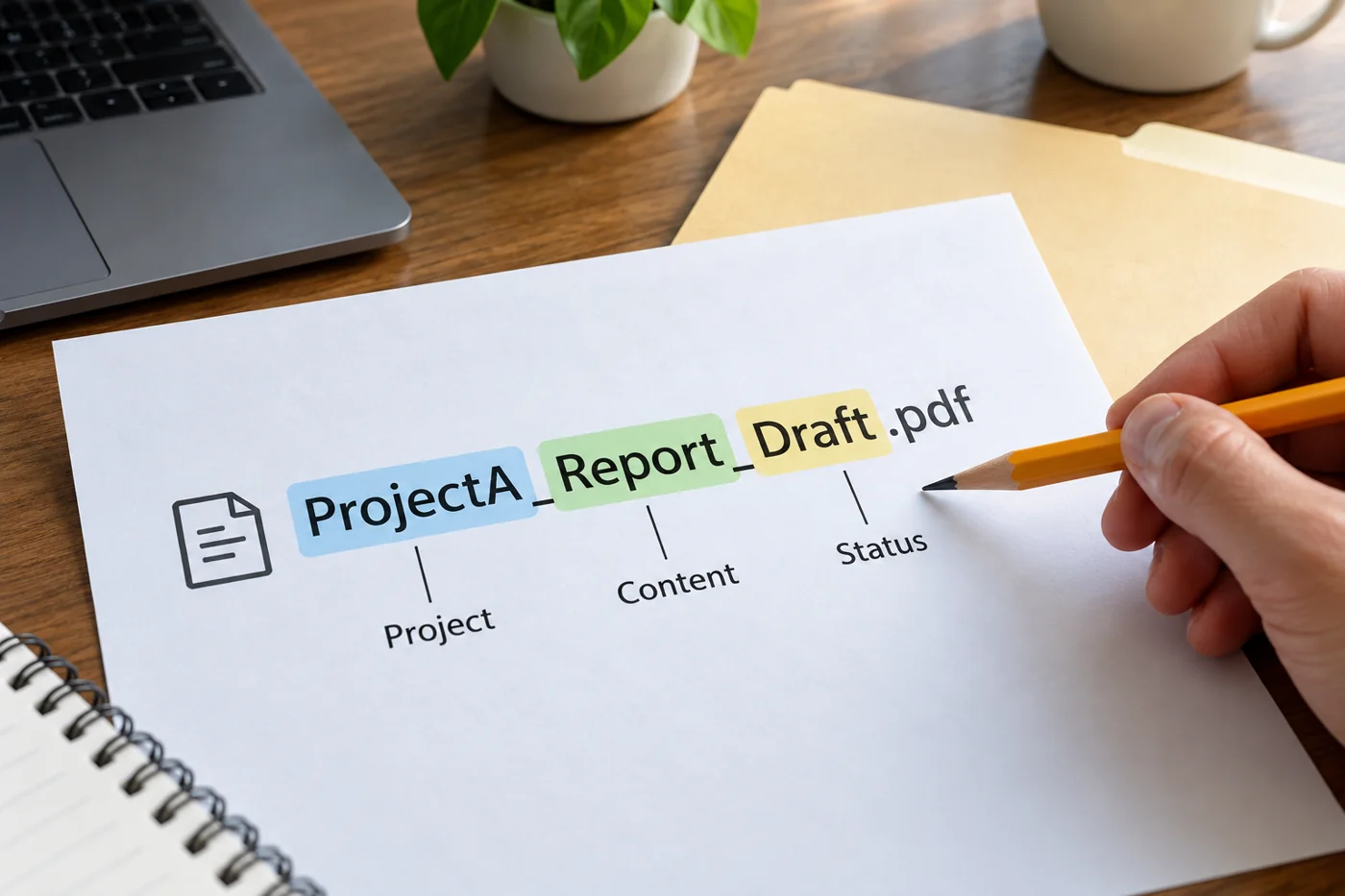
If several results look plausible, ask the responsible person which one is authoritative. Do not invent a ranking based on size or date alone. Once established, record the correct location where the work happens. Repeated searches for the same file often reveal unclear naming or missing references. Fixing that route will help the next reader as well as you, particularly when colleagues remember different descriptions of the same piece of work.