Group alerts by response need
Separate messages requiring immediate action from those that can wait until the next planned check. This depends on your role. An operational issue may be urgent for one person and later information for another.
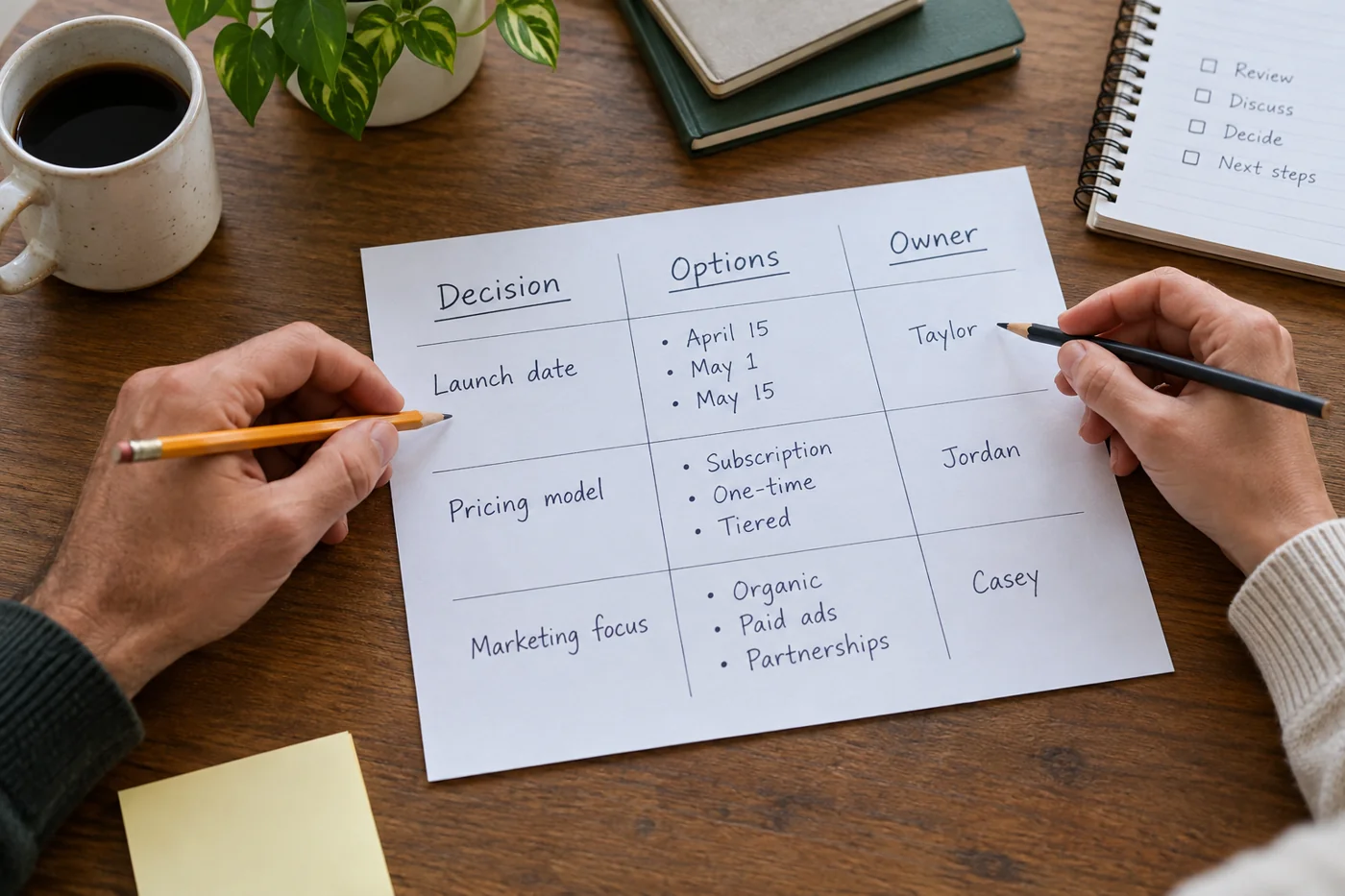
Agree how the team signals genuine urgency. A personal filter must not silently interrupt an established on-call route. Conversely, ordinary questions should not all use the same channel as time-critical problems. Technical settings work better when communication rules support them.
Review one application at a time
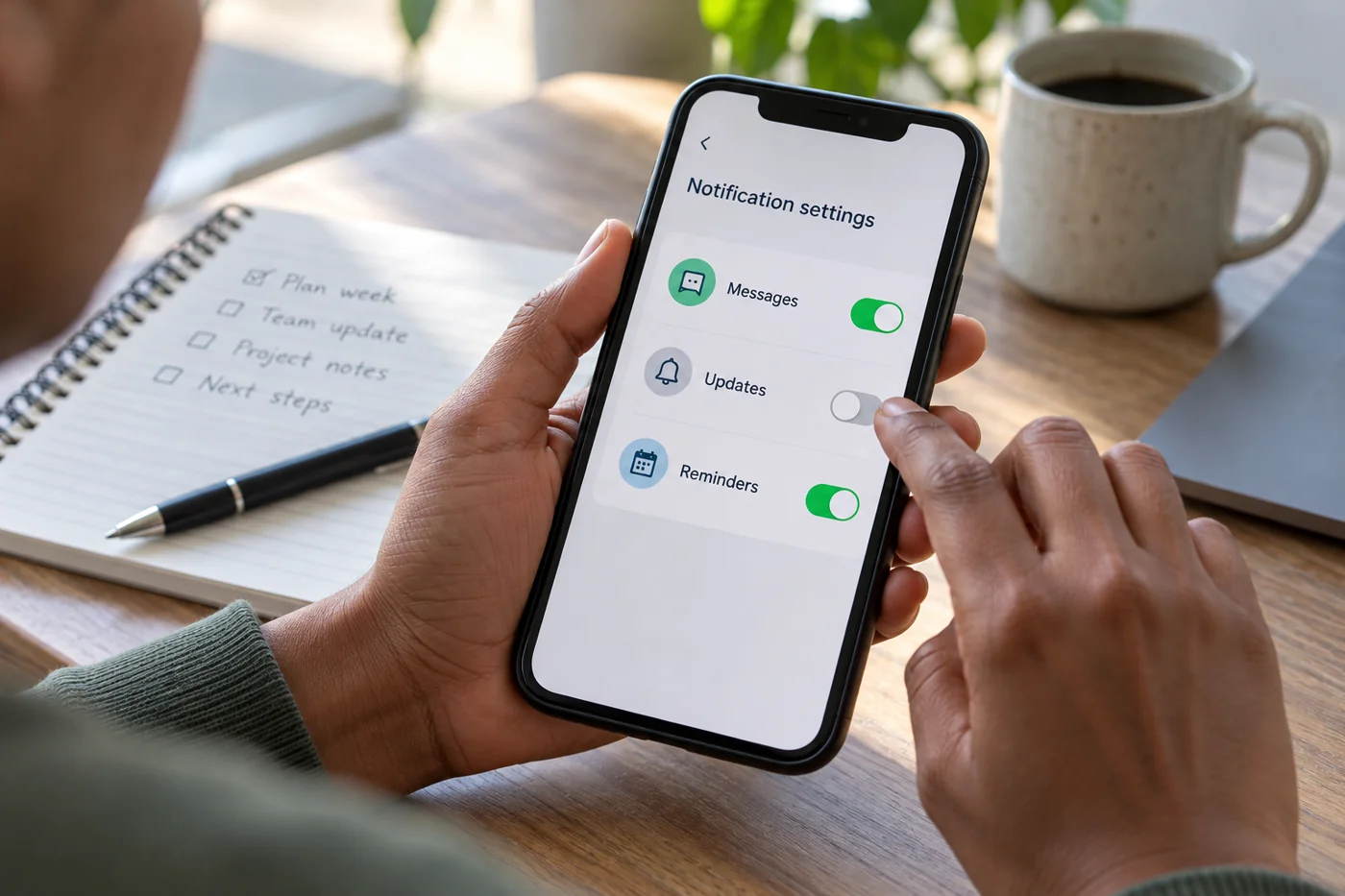
Check which events trigger alerts: direct mentions, new messages, changes in a watched area or general summaries. Options differ by product and account. Use your application's official help for precise steps rather than assuming similar menu names.
Change a few settings first and observe the effect. Switching everything off simultaneously makes it difficult to identify which missing alert mattered. Record significant changes so they can be reversed when needed.
Keep a dependable review point
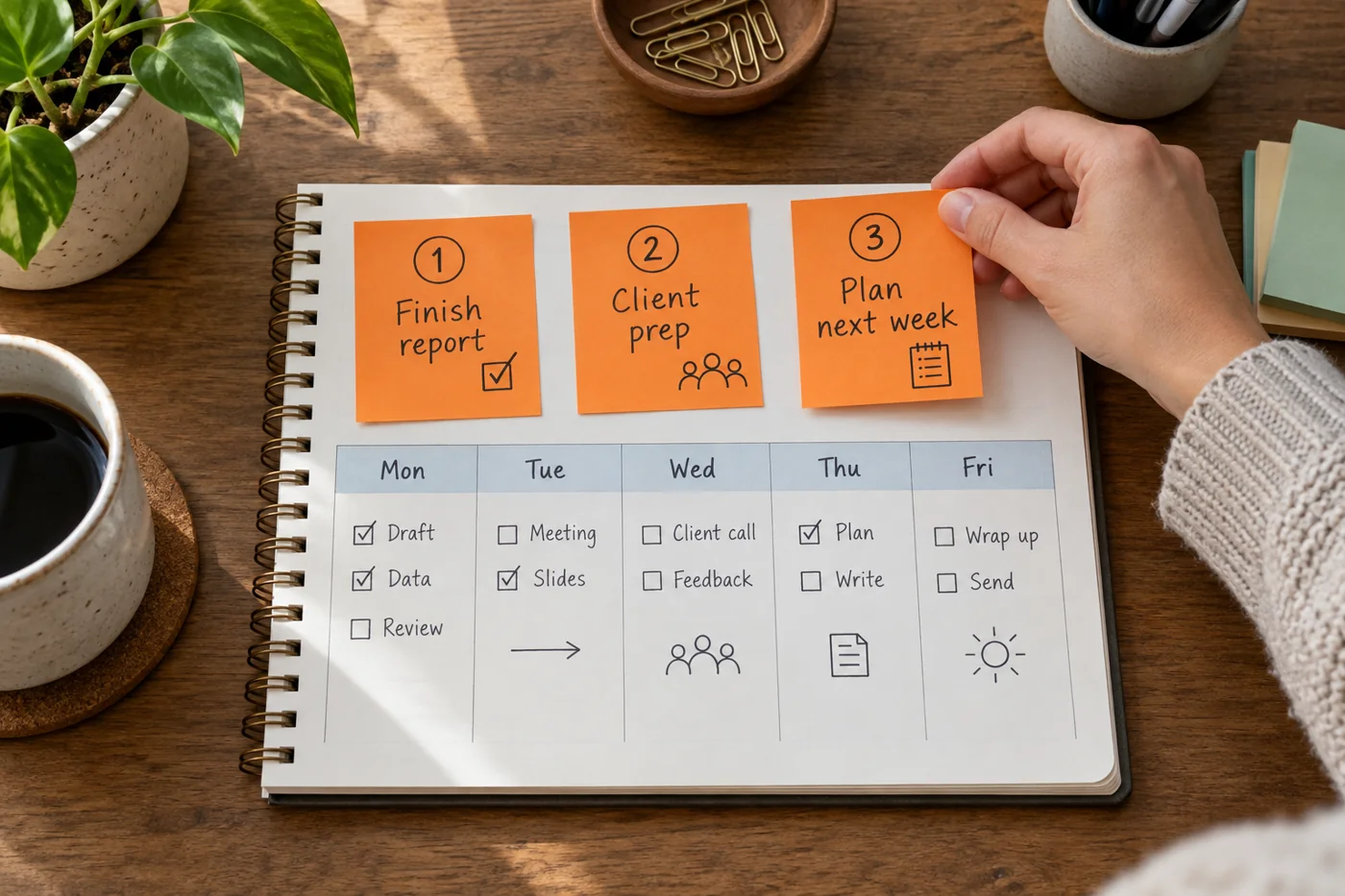
Fewer immediate alerts do not make the underlying information unimportant. Plan an appropriate time to review outstanding messages or changes. Otherwise, the problem merely shifts from interruptions to overlooked cases.
After several days, assess whether unnecessary switching has fallen while necessary responses remain timely. Ask the team for feedback too. If colleagues now need repeated follow-ups, expectations about response times may be missing. Adjust the rule and settings together instead of alternating only between every notification and none. Revisit the arrangement when your role changes, because alerts that were unnecessary in one responsibility may become important in another.
Test a rule against a working day
Observe which alerts trigger immediate work and which merely contribute to a later overview. A directly assigned urgent task differs from every change in a large project area. Group notifications only where the delay fits the underlying work.
Agree a clear route for genuinely time-critical matters. If every message is marked urgent, the distinction loses its value. Describe which situation justifies the special route and what response people can realistically expect.
After changing the arrangement, check whether important assignments still become visible. Fewer notifications are not a success if commitments are missed. Equally, an alert does not have to interrupt immediately when it will reliably be handled in a planned review window. The appropriate setup depends on the workflow and should be reconsidered after a role change. Include cover arrangements in that review so an absent person's quiet notification settings do not leave an urgent shared responsibility unattended.
Use a manageable trial period and avoid changing every channel simultaneously if that would make the effect of individual adjustments difficult to understand.