Start with one concrete case
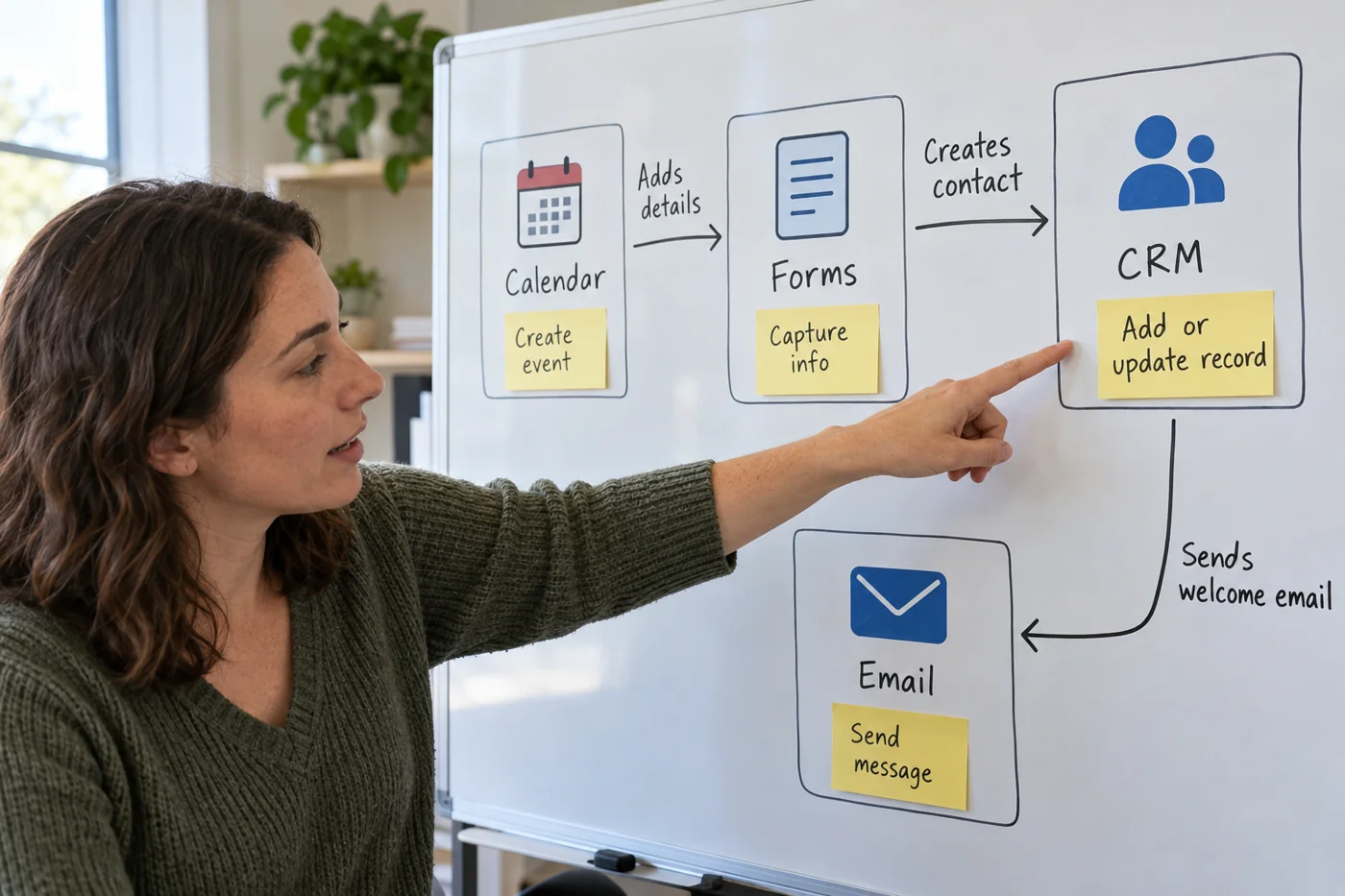
Trace a typical entry from arrival to result. Record each application and the information transferred. Write “form response creates inquiry row” rather than merely “form connected”. This reveals what would be missing after a failure.
Include manual intermediate steps. Somebody downloading and uploading a file each week is part of the process. That connection does not appear in a technical integration list but can be equally important to the work.
Add direction, trigger and ownership
Mark whether information moves one way or is written back. A two-way connection needs a rule for which state prevails in a conflict. Without that information, a test can accidentally write old values back into a new dataset.
Record the trigger: a new entry, a schedule or a manual start. Add an owner and account reference without copying access keys into the overview. A personal account can otherwise become an unexpected dependency when somebody leaves.
Expose failure cases
For each connection, ask how a fault is detected. Is there an alert, run history or only a missing entry? Name who checks the signal. A technical notification without a responsible recipient is not yet operational monitoring.
Also examine retries. Restarting a step may update existing information or create additional entries. Understand that effect before retrying. A green success state does not by itself establish that the business data is correct.
Locate a failed connection
For example, a booking form may create an appointment, a calendar may then block the time, and a messaging service may finally send confirmation. If the confirmation does not arrive, that alone does not prove the booking is missing. Follow the connection map to find the last step with a visible result. This avoids creating a second booking simply because a message was not delivered.
For each connection, record what demonstrates a successful run: a case number, a calendar entry or a delivery status. Do not put passwords in this overview. The responsible person and the location of the relevant logs provide enough direction for an investigation.
After repairing the connection, review waiting items separately. Some tools retry a transfer, while others leave the failed item unchanged. Before repeating a step manually, establish whether the receiving tool already obtained part of the record. Only then decide which items can safely run again.
Use the overview during a change
Mark all connections touching the tool being replaced. Test them with appropriate examples after the switch and compare inputs with outputs. Record which manual bridge is available during an interruption.
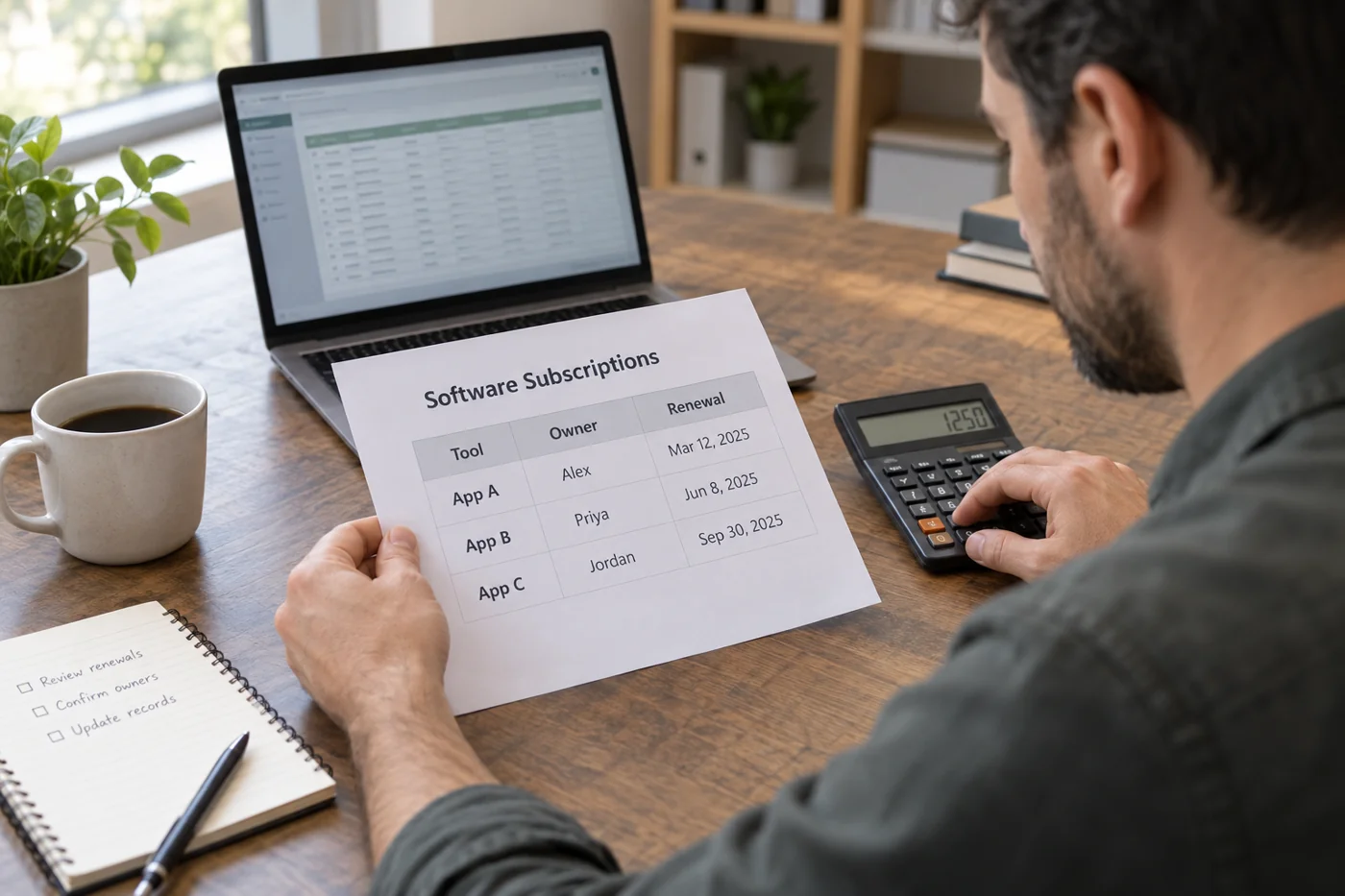
Update the overview whenever a connection is added. It does not need to be an elaborate architecture drawing. A table of source, destination, content, trigger, owner and error checks may be easier for a small team to maintain than a diagram only one person can edit.