Prepare an edition someone else can recognize
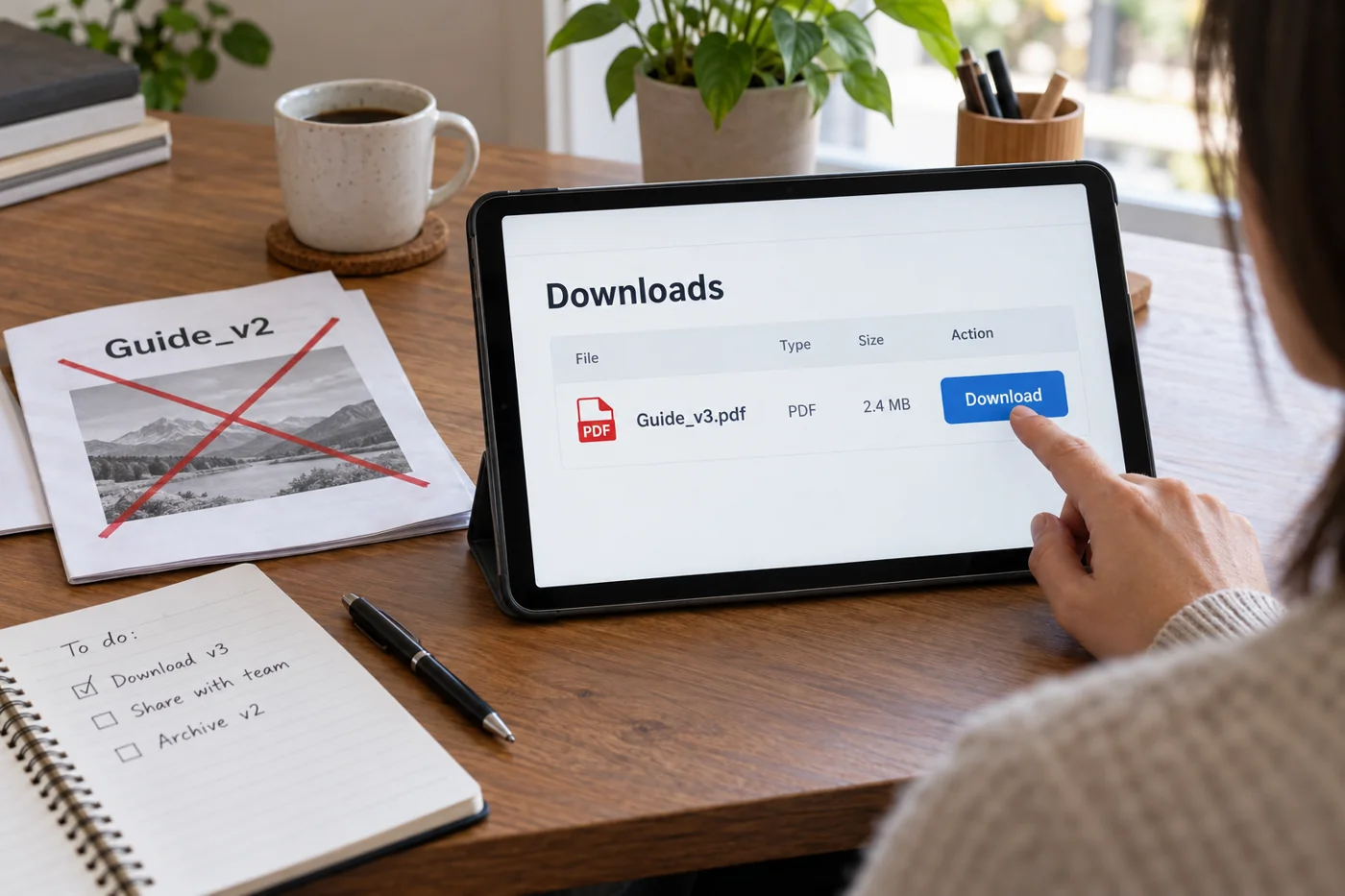
Use a filename that makes sense outside your team. “autumn-seminar-programme-2026.pdf” explains more than “programme-final-final.pdf”. A date or understandable version number can help with documents that change frequently. Internal editing notes do not belong in a published filename.
Open the finished file outside the application used to create it. Check the first and last pages, tables, images and contact details. Look for comments, unfinished placeholders and accidental blank pages. A successful export does not establish that you selected the intended version.
Also record which edition the new file replaces. For a price list, establish whether the old edition is simply outdated or still needed for earlier orders. The person responsible for the subject should decide how historical documents are handled; that decision should not happen accidentally during an upload.
Follow the link as a visitor
Describe what the link downloads. The format and approximate size can be useful, especially for a large document. Then download it from the published page and inspect that copy. Include a phone check if people are expected to read the material while travelling or working away from a desk.
Find other links to the document, perhaps on a service page, in a news item or in the other language version. Updating only one creates conflicting entry points. Decide whether each occurrence should offer the current edition or deliberately refer to a dated archive document. Do not silently replace historical material if the surrounding text still discusses an earlier event.
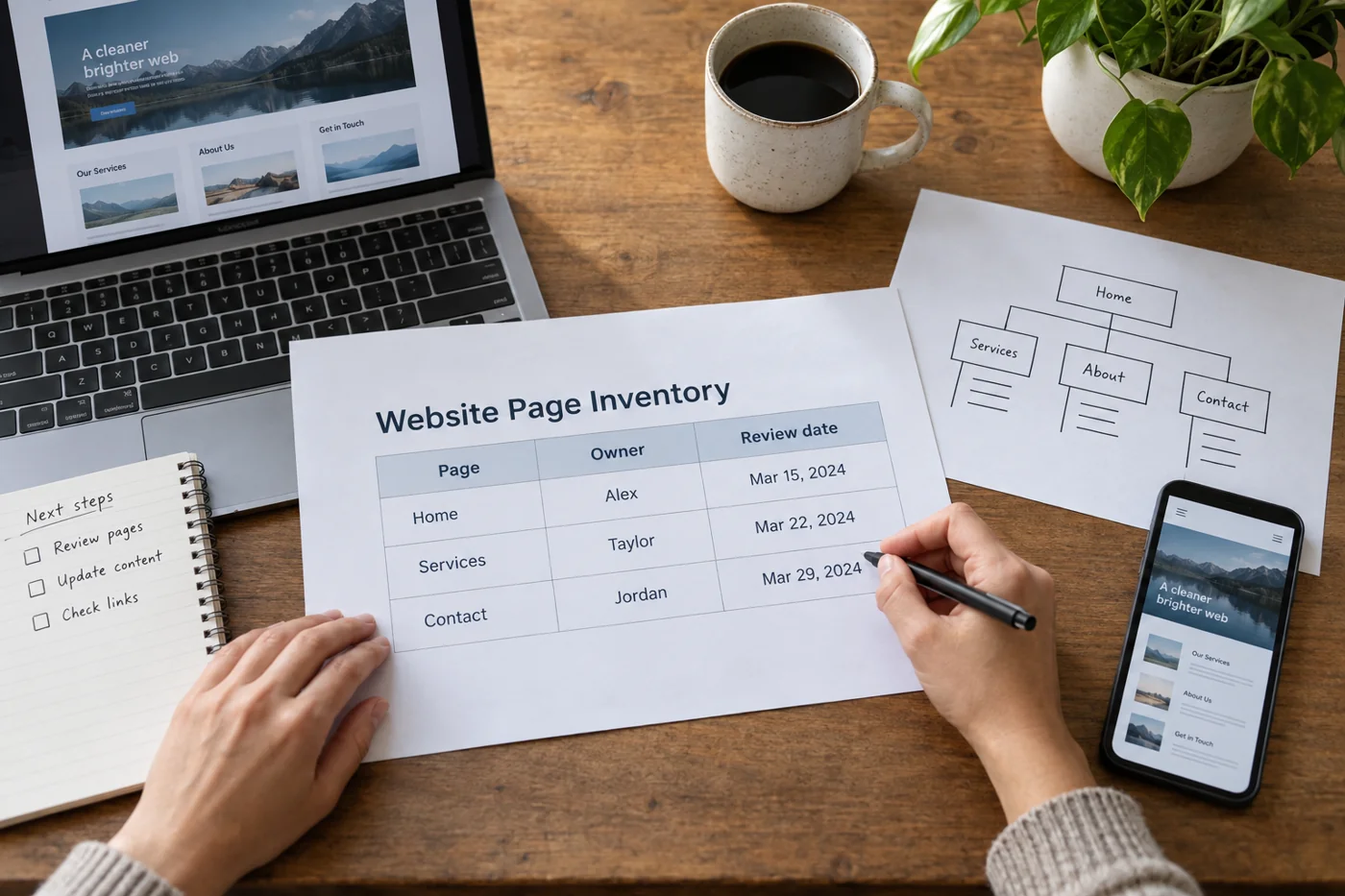
After publication, record the storage location, public URL and responsible person. The next revision can follow the whole route without searching for a supposedly final file. Finish the check with the edition actually downloaded by a visitor, rather than the success message in the upload window.