Follow each listed route
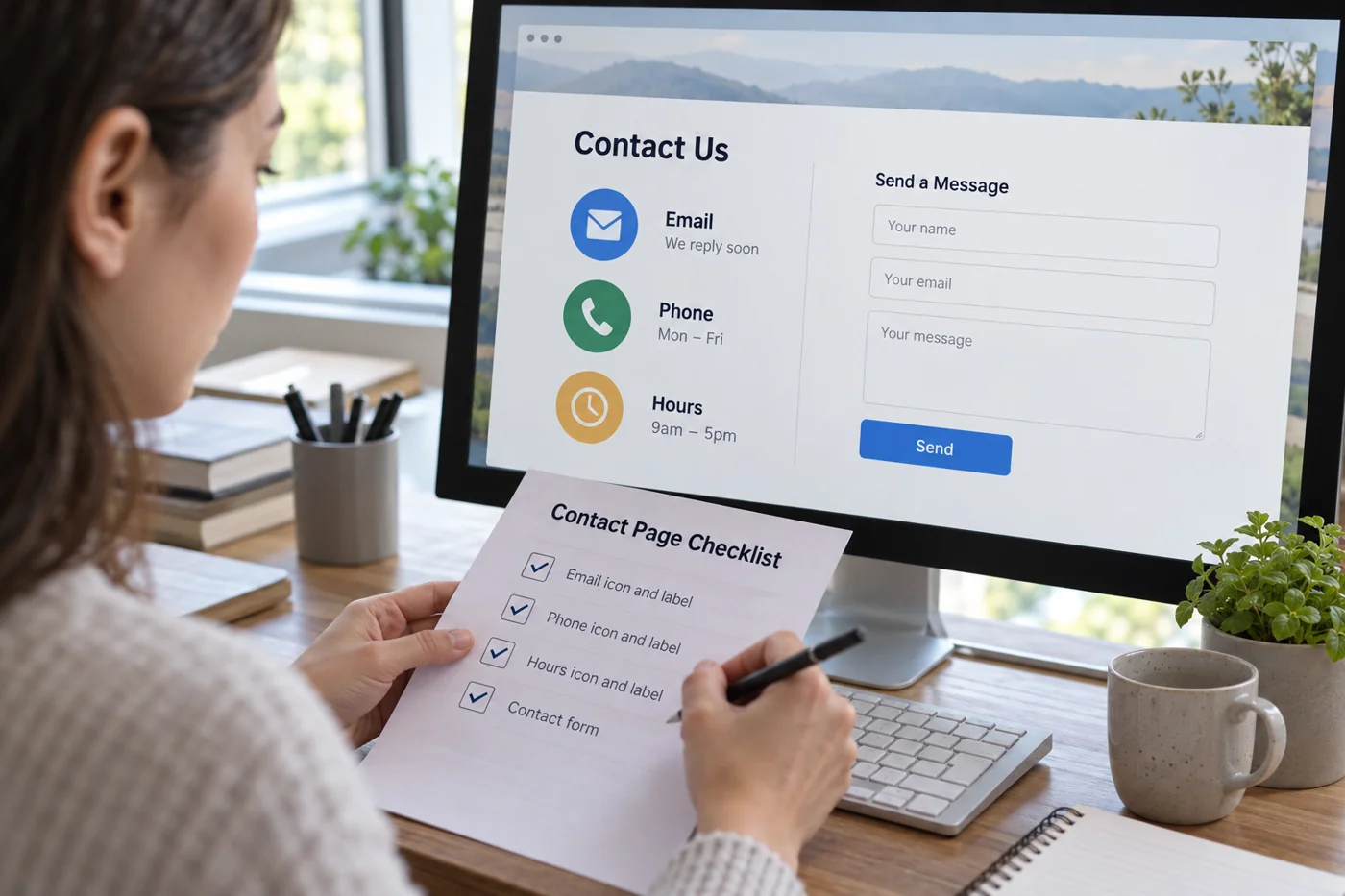
Compare the visible email address with its link destination. Correctly written text can still point to an old address. Check phone numbers and any linked location details similarly. Try copying the information too, since someone without a configured email application may not be able to use the link directly.
When several routes are offered, explain their purposes only where a real distinction exists. A general inquiry and an existing support relationship may have different destinations. Use terms outsiders understand; internal department names alone do not always help people choose.
Compare expectations with actual handling
Read every statement about availability and response times. Does it match the organization in practice? A form may accept submissions at any hour without being monitored around the clock. Do not confuse those statements. If no reliable response time exists, do not invent a specific promise.
Check whether a former contact person is still named too. A role-based address may help when responsibilities change, but it needs active management. Ask internally about receipt and cover. An address on the website does not prove incoming messages are regularly read.
Inspect the small view and the return journey
Long addresses should not be clipped on a phone. Open any menus and check whether fixed bars cover important details. If a form exists, test it separately including actual delivery; a visible success message is insufficient.
Travel from a service page to contact and then back. Is it still clear what an inquiry could concern? New mandatory fields are not necessarily needed. Clear linking and an understandable contact page may be enough. Finally record which routes were actually tested and which merely appeared plausible from the available information.